Speed of Light Motorcycle Photography
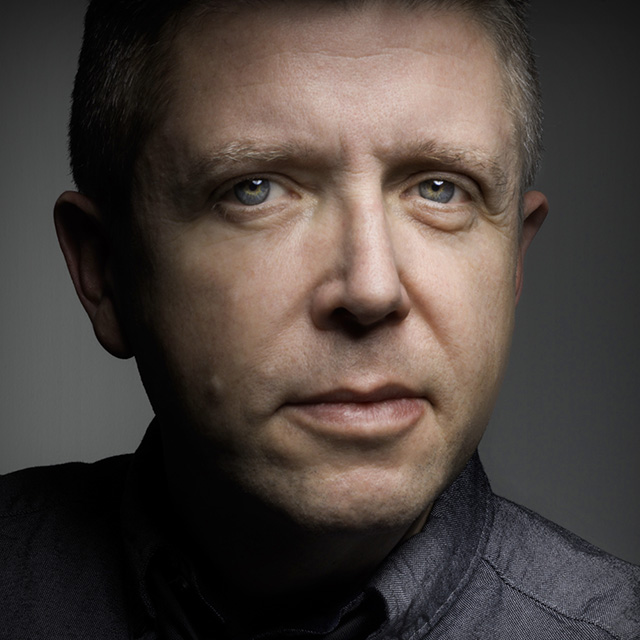
Tim Wallace is a commercial photographer known for his stunning automotive photography, but he is no stranger to all modes of transport. From super yachts to trucks and motorbikes Tim has worked with them in all corners of the world. In this class Tim walks us through a studio shoot with a 100% custom Harley-Davidson V-Rod. From building the set to placing the lights, and from making his selects to putting together the final composite, Tim shares tips and insights into the way he works at each step of the process.
Release Date: 2013-07-10
Lessons
Introduction
<p>Join Tim as he introduces the motorcycle that will be used in this class and discusses the topics that will be covered, before giving a walk through of the special studio setup he'll be using.</p>
Duration: 4 mins 29 seconds
Lighting
<p>Tim discusses the lights that will be used for this shoot and some tips for dealing with reflections.</p>
Duration: 8 mins 42 seconds
Positioning the Motorcycle
<p>You want to get the positioning correct before you start lighting the subject.</p>
Duration: 3 mins 23 seconds
Setting up the First Light
<p>This first light is likely to be the only one that will sit on its own, while the rest will all be positioned symmetrically in pairs. Part of setting up this first light will be dialing in the camera settings that he will use.</p>
Duration: 9 mins 30 seconds
Adding Lights in Pairs
<p>For this effect we want to position the lights on both sides of the bike in a symmetrical fashion that follow the angle of the motorcycle.</p>
Duration: 7 mins 48 seconds
Illuminating the Back of the Bike
<p>As each light is added it builds up the overall lighting effect. As each light is added you need to be careful to avoid contaminating the other lighting areas. Once all the lights are set, Tim takes the primary shot he's after.</p>
Duration: 9 mins 40 seconds
Extra Shots
<p>With the primary shot completed, Tim takes some time to see what other shots he can take while everything is still set up.</p>
Duration: 11 mins 58 seconds
Reviewing the Shots
<p>With the shoot done, Tim uses Bridge to review all of the shots captured and makes his selects. From there it is a jump into Adobe Camera Raw to begin processing.</p>
Duration: 11 mins 52 seconds
Dodging and Burning
<p>Bringing down the shadows and enhancing the highlights using different dodging and burning techniques is the next step in the process.</p>
Duration: 11 mins 56 seconds
Extraction
<p>Tim demonstrates how he removes a subject from the background before moving on to processing one of the extra shots he captured.</p>
Duration: 15 mins 6 seconds
Adding a New Background
<p>Creating the final look involves compositing in a new background and blending the motorcycle into it.</p>
Duration: 12 mins 16 seconds