Shooting Fall Landscapes
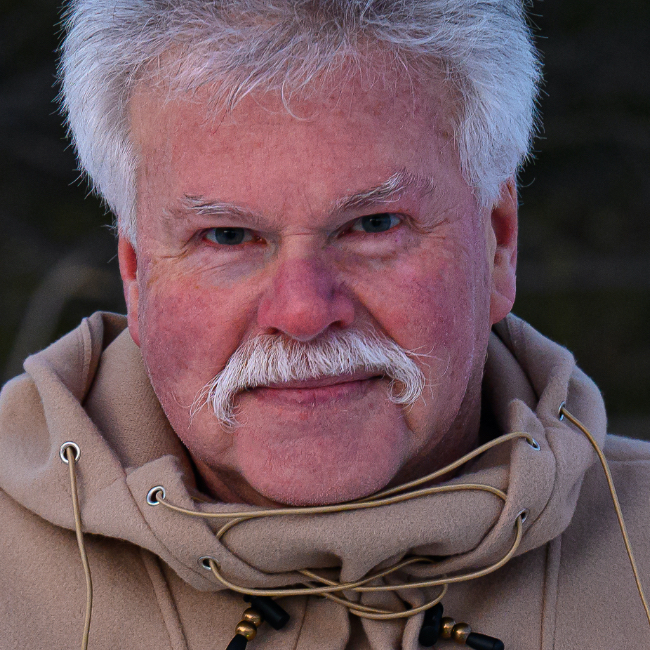
It's all about color! Join Moose Peterson, wildlife photographer, out in the Eastern Sierras surrounded by blue skies and beautiful fall colors. Moose takes you to some of his most favorite locations and gives you the scoop on everything from gear to camera settings and shooting strategies to post-processing tips. By the end of the class you'll be chomping at the bit to head out to capture your own stunning fall landscape photos armed with the tips and tricks from a true professional.
Release Date: 2012-08-29
Lessons
Introduction
<p>Join Moose in the Eastern Sierras as he introduces the class and goes over the gear he uses.</p>
Duration: 12 mins 49 seconds
Basic Camera Settings
<p>There are some basic camera settings you want to configure before you start shooting.</p>
Duration: 9 mins 42 seconds
June Lake Loop
<p>Moose gives a walk through of the first shoot, covering everything from composing the scene to how to visualize the steps you'll take during post-production.</p>
Duration: 8 mins 35 seconds
Shooting Through the Canopy
<p>Color, pattern, and visual interest.</p>
Duration: 10 mins 32 seconds
Silver Lake
<p>When you can't use a graduated neutral density filter you can use High Dynamic Range photography techniques to capture the scene the way your eye sees it.</p>
Duration: 5 mins 28 seconds
Choosing the Right Time to Shoot
<p>With the aid of technology you can scout your locations before you arrive and once on site determine the best time for the desired quality of light.</p>
Duration: 14 mins 12 seconds
Strategies
<p>There are a number of strategies you can use for pushing your photography forward.</p>
Duration: 9 mins 14 seconds
Using a Polarizer
<p>A polarizing filter can be a great asset for removing reflections such as the blue color cast caused by the sky reflecting off objects in your scene.</p>
Duration: 9 mins 14 seconds
Digging into Post-Processing
<p>Moose shares his basic workflow in Adobe Camera Raw.</p>
Duration: 3 mins 55 seconds
Quick Camera Raw
<p>Another example of a quick camera raw edit.</p>
Duration: 2 mins 16 seconds
Using the Graduated Filter
<p>Beyond the basic workflow you can finish a photo in Camera Raw with the Graduated Filter.</p>
Duration: 4 mins 16 seconds
Enhancing the Trail
<p>After the basic Camera Raw workflow there are additional techniques available in Photoshop for achieving the photograph you original envisioned.</p>
Duration: 7 mins 41 seconds
HDR Processing
<p>Moose processes a photo using Nik HDR Efex Pro 2.</p>
Duration: 7 mins 31 seconds
Dealing with Ghosting in HDR
<p>One issue for shooting HDR is dealing with ghosting when you have movement, such as wave, in your exposures.</p>
Duration: 10 mins 0 seconds
Processing HDR with Photomatix Pro
<p>The main reason Moose uses HDR is to create photographs that appear closer to how the scene originally looked to the human eye.</p>
Duration: 5 mins 6 seconds
Conclusion
<p>Moose provides an overview of the lessons from the class. Stick around for the outtakes.</p>
Duration: 2 mins 35 seconds