Video Production: Final Cut Pro to Premiere
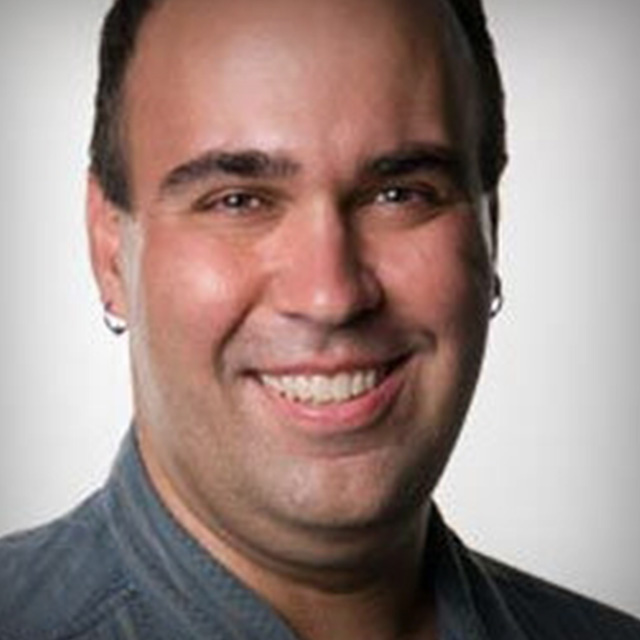
Considering making the switch from your current video editing software to Adobe Premiere Pro? Sit down with Rich Harrington, an expert in motion graphics, and learn everything you need to know to start a seamless migration to your new video editing platform so you can hit the ground running.
Release Date: 2012-06-18
Lessons
Introduction
<p>Join Rich as he discusses the reasons why you might be making the switch to Adobe Premiere Pro.</p>
Duration: 1 mins 11 seconds
Getting Started with Premiere Pro CS5
<p>Premiere Pro is available in a number of different configurations. Learn which configuration is best for your needs.</p>
Duration: 2 mins 59 seconds
Starting a New Project
<p>There are a number of different options to consider when starting a new project.</p>
Duration: 6 mins 48 seconds
Customizing Preferences, Keyboard Shortcuts, and Interface
<p>If you are coming to Premiere Pro from another editing tool you might want to take the time to customize Premiere to make it feel more familiar.</p>
Duration: 12 mins 22 seconds
Working With Media
<p>Premiere works with native media formats (no transcoding required), and it helps to understand how this process works.</p>
Duration: 8 mins 3 seconds
Basic Editing Commands
<p>If you are familiar with the video editing process this quick overview should help you get oriented quickly.</p>
Duration: 5 mins 15 seconds
Working With Legacy Projects
<p>Premiere Pro is fully compatible with Avid and Final Cut Pro, so there's no need to worry about what will happen to your legacy projects created in other editing software.</p>
Duration: 2 mins 45 seconds
Exporting Media
<p>Exporting is a piece of cake with Adobe Media Encoder.</p>
Duration: 1 mins 59 seconds
Conclusion
<p>Rich wraps up the class with a look at how Premiere Pro fits into the big picture and where to find additional training resources.</p>
Duration: 1 mins 8 seconds