DSLR Video: Planning and Shooting
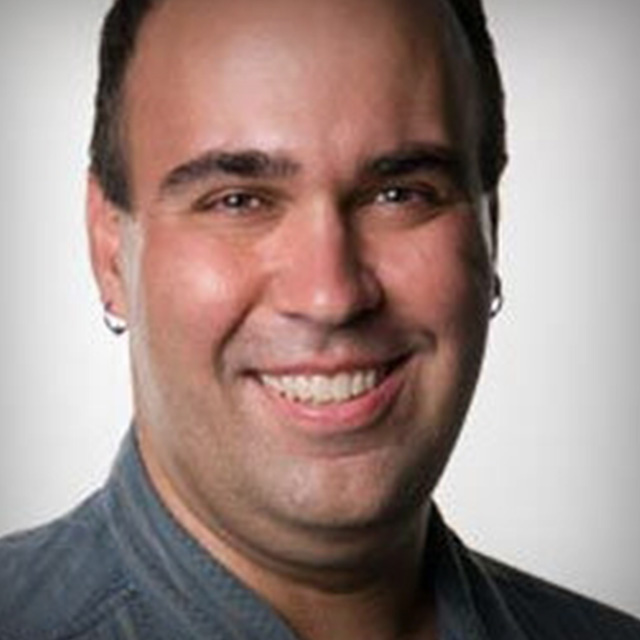
Join Rich Harrington, motion graphic artist, author, and trainer, on location at Kelby Media Studios as he takes you through every step in the process of creating a video product for a client. Learn everything involved in creating a professional quality video with your DSLR, from the initial client meeting to scouting locations, and from all the essential gear to how to conduct engaging interviews. Each step of the way Rich provides expert insights and killer tips to get you well on your way to adding video story telling to your bag of tricks.
Release Date: 2012-04-30
Lessons
Introduction
<p>Join Rich outside the Kelby Media studios as he outlines the content of this class.</p>
Duration: 1 mins 40 seconds
The Kickoff Meeting
<p>Storytelling is at the heart of every good video project, and Rich kicks off the class with a face to face meeting with the client to learn more about what story the client wants the video to tell, and to set expectations for the scope of the project.</p>
Duration: 9 mins 35 seconds
Location Scouting
<p>With a good understanding of the goals for the project, it is time to scout out potential locations for shooting video and recording audio.</p>
Duration: 6 mins 30 seconds
Essential Gear
<p>From camera bodies to lights and microphones to lenses, Rich walks you through the essential pieces of gear you'll need to get the job done.</p>
Duration: 16 mins 22 seconds
Exposure Triangle For Video
<p>The exposure triangle for shooting video is a little different than when shooting stills. Learn how to control all of the variables to find that sweet spot for the conditions you are working within.</p>
Duration: 5 mins 17 seconds
3 Point Lighting
<p>The 3 point lighting technique–back light, key light, and fill light–is standard for shooting video. Watch as Rich builds the lighting from the ground up to show you how it is done.</p>
Duration: 4 mins 30 seconds
Recoding and Syncing Audio
<p>When it comes to video, audio is half the picture. It is critical to get your audio right as it can have a bigger impact on your audience than the video alone. Rich wraps up this lesson with a short talk on video lighting.</p>
Duration: 5 mins 52 seconds
Interview #1
<p>Rich demonstrates how to put all of the components discussed so far into play while walking you from start to finish through recording an interview.</p>
Duration: 11 mins 37 seconds
Interview #2
<p>Conducting and shooting a successful interview is a key skill required for telling the story, and no two interviews are the same. Check out the second interview for additional tips and tricks.</p>
Duration: 5 mins 48 seconds
B-Roll Strategies
<p>B-Roll is the supporting footage that helps to tell the bigger story. In this lesson Rich works with a model to capture a person using the app from a variety of different angles.</p>
Duration: 13 mins 0 seconds
Telling the Story with Visuals
<p>Rich teaches you how to deal with the challenges of an outdoor shoot by taking the crew outside for some additional footage.</p>
Duration: 13 mins 31 seconds
Product Shots
<p>The product is a key component of the story being told. Getting a variety of visually interesting and diverse shots of the product are important elements for the final assembled video.</p>
Duration: 17 mins 30 seconds