Photo Painting Basics with Adobe Photoshop CS5
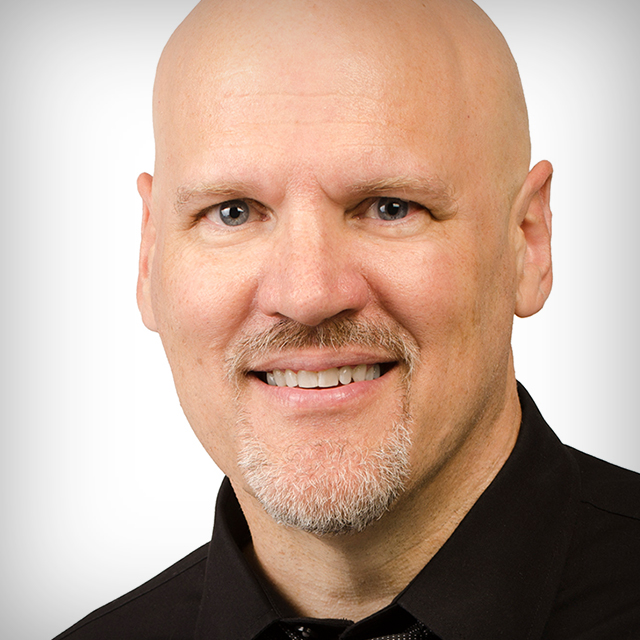
Join Dave Cross as he guides you through the features, and shares the how's-and-wow's of the new Photoshop CS5 Paint Engine. Dave will show you everything you need to know to quickly and easily create cutting-edge photo painting effects in Photoshop CS5.
Release Date: 2010-10-21
Lessons
Introduction
<p>Dave introduces himself and talks about what he will be covering in this course</p>
Duration: 1 mins 55 seconds
Pixel Bender Plug-in
<p>How to download and install the free pixel bender plug-in from Adobe Labs.</p>
Duration: 8 mins 18 seconds
Adding Texture to Your Image
<p>Dave explores a number of options for creating texture and adding interest to your image.</p>
Duration: 7 mins 40 seconds
Painting without Painting
<p>Dave explains how to make painting without painting an action.</p>
Duration: 9 mins 8 seconds
The Action in Action
<p>Using the action we created in the last lesson on a new image and taking it to the next level with a few steps.</p>
Duration: 8 mins 7 seconds
How Much is Enough?
<p>Dave discusses do we or don&acirc;��t we need to do more and shows us how just a few little touches here and there can make a big difference in your overall effect.</p>
Duration: 12 mins 37 seconds
Conclusion
<p>Take a tour of what is involved in turning your artwork into a canvas.</p>
Duration: 1 mins 17 seconds