Professional Adjustments with Aperture 3
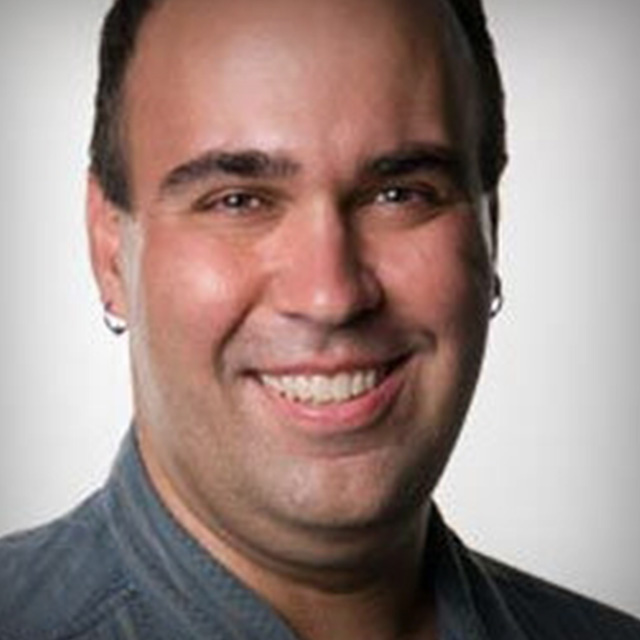
Professional film and video editor Richard Harrington shows viewers how to bring out the best in their photography using Aperture 3. Follow along with course project files and learn how make corrections, adjust color, and add style to your images using a variety of tools inside Aperture 3.
Release Date: 2010-05-04
Lessons
Introduction
<p>Richard talks about the project files for this course and gives an overview of the adjustment process</p>
Duration: 14 mins 47 seconds
Raw Adjustments
<p>Fine, detailed adjustments that create a foundation for all other adjustments</p>
Duration: 7 mins 59 seconds
Geometric Adjustments
<p>Changing the shape of the image. This covers things like straightening and cropping</p>
Duration: 10 mins 37 seconds
Color Adjustments
<p>This lesson goes over a series of techniques for adjusting the hue, saturation, and other color adjustments</p>
Duration: 14 mins 20 seconds
Exposure and Tone
<p>Richard talks about finding the right tool for the job and combining tools to achieve even better results</p>
Duration: 24 mins 10 seconds
Red Eye, Chromatic Aberration, and Cloning
<p>Learn to use Aperture to correct red eye, reduce chromatic aberration, and to clone out unwanted artifacts from your images</p>
Duration: 10 mins 56 seconds
Repair and Retouching
<p>Tips and tricks for getting rid of damages, grains, blemishes, etc.</p>
Duration: 13 mins 6 seconds
Sharpening
<p>Using Aperture's sharpening tools to bring better edge detail, contrast, and definition to your images</p>
Duration: 7 mins 2 seconds
Stylizing
<p>Experiment with making artistic adjustments to your images</p>
Duration: 16 mins 26 seconds
Stylizing Plugins
<p>Richard shows off some of the plugins available for use with Aperture</p>
Duration: 3 mins 41 seconds
Conclusion
<p>Thanks for following along. Be sure to check out the rest of Kelby Training</p>
Duration: 0 mins 19 seconds