Editing Your DSLR Video on a Mac
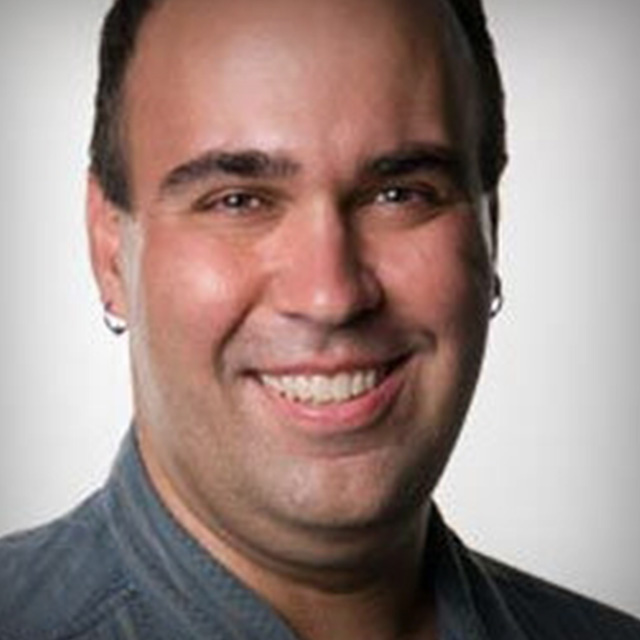
Your DSLR shoots video! Cool right!? Now what? You've probably got more video than you know what to do with. Richard Harrington created this course to help you with how to edit that video footage (using Mac software). Rich covers everything from in-the-field tips all the way to post-production techniques using Final Cut Pro, Final Cut Express and iMovie
Release Date: 2009-10-14
Lessons
Introduction
<p>Instructor Richard Harrington introduces himself and talks about how to get ready to edit</p>
Duration: 1 mins 26 seconds
Production
<p>Multi-camera coverage, color balance, and card requirements</p>
Duration: 8 mins 15 seconds
Audio
<p>Reference audio recording, microphones, audio adapters, external devices</p>
Duration: 4 mins 57 seconds
Loading Footage
<p>Firewire, Express Card, SD cards</p>
Duration: 6 mins 13 seconds
Hard Drives
<p>RAIDED drives. Archive media. Process before you erase</p>
Duration: 3 mins 42 seconds
Organizing Footage
<p>Using Adobe Bridge, Finder, and Cover Flow view</p>
Duration: 4 mins 52 seconds
Converting Formats
<p>Once the footage has been transferred, you'll need to convert it to a format that can be edited</p>
Duration: 4 mins 42 seconds
Compressor
<p>The logical choice for converting footage to ProRes is Apple's Compressor software</p>
Duration: 17 mins 46 seconds
MPEG Streamclip
<p>A third option for converting footage is the freeware program called MPEG Streamclip</p>
Duration: 7 mins 8 seconds
Final Cut Pro, Part 1
<p>Taking a first look at Final Cut Pro. Start with importing footage</p>
Duration: 13 mins 13 seconds
Final Cut Pro, Part 2
<p>Editing multiple camera angles of an interview</p>
Duration: 6 mins 5 seconds
Final Cut Pro, Part 3
<p>Synchronize video using Pluralize</p>
Duration: 4 mins 15 seconds
Final Cut Pro, Part 4
<p>Color correcting a video</p>
Duration: 8 mins 12 seconds
iMovie, Part 1
<p>Import footage into iMovie and begin editing</p>
Duration: 3 mins 8 seconds
iMovie, Part 2
<p>Editing clips and putting them together with iMovie</p>
Duration: 6 mins 44 seconds
Conclusion
<p>Hope you enjoyed the course and learned a lot</p>
Duration: 2 mins 39 seconds