The Canon EOS 5D and 5D Mark II
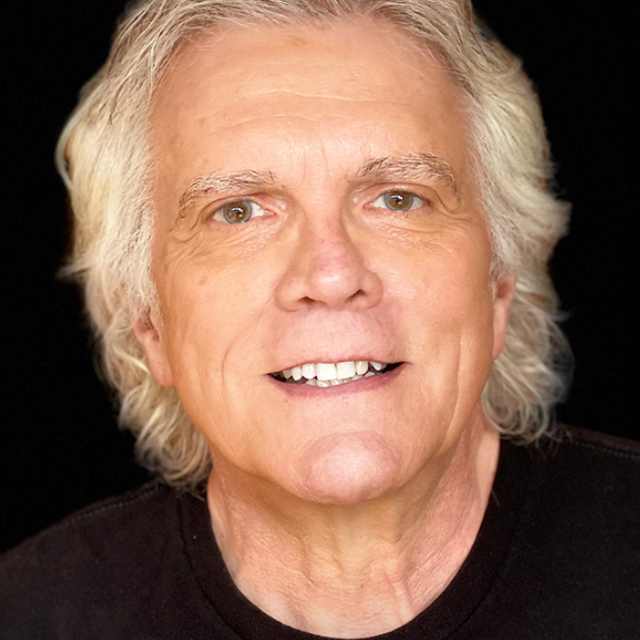
Professional photographer Rick Sammon takes you on a tour of the Canon 5D and Mark II digital SLR cameras, introducing key features and best practices. <br> <br> This class is perfect for someone who needs to set up their camera or compare features to another camera.
Release Date: 2009-06-24
Lessons
Introduction
<p>Rick talks about the two cameras he will be covering with this course and how he will go about it</p>
Duration: 3 mins 12 seconds
Recipe for Cooking Digital Photos
<p>The top 10 elements that go into creating a quality photograph</p>
Duration: 15 mins 56 seconds
Must Know Info, Part 1
<p>There are some things that you really need to know about your camera in order to get the most out of it</p>
Duration: 7 mins 47 seconds
Must Know Info, Part 2
<p>Understanding the histogram and color modes</p>
Duration: 4 mins 59 seconds
Must Know Info, Part 3
<p>This lesson covers lens f-stop settings, filter flare, and camera care</p>
Duration: 6 mins 36 seconds
Shared and Unique Features of the 5D and 5D Mark II
<p>Comparing and contrasting the two DSLRs from Canon</p>
Duration: 8 mins 48 seconds
10 Tips for Shooting Video
<p>Rick shares his top 10 tips for shooting video clips on these two Canon cameras</p>
Duration: 6 mins 24 seconds
Camera Tour, Part 1
<p>Explaining all of the buttons and dials on these two Canon DSLRs</p>
Duration: 8 mins 0 seconds
Camera Tour, Part 2
<p>Setting white balance and peripheral illumination correction, as well as programming modes</p>
Duration: 11 mins 54 seconds
Camera Tour, Part 3
<p>Light metering, metering modes, exposure compensation, and more</p>
Duration: 10 mins 49 seconds
Picture Modes
<p>Create different types of pictures using the picture modes</p>
Duration: 2 mins 53 seconds
Flash Modes
<p>Open yourself up creatively by adding flash to your photo shoots</p>
Duration: 6 mins 31 seconds
Custom Functions
<p>Fine-tune the functionality of your Canon DSLR</p>
Duration: 3 mins 51 seconds
Shooting Movies
<p>Shooting movies with the Canon 5D Mark II</p>
Duration: 3 mins 11 seconds
Wrap Up
<p>Rick recommends getting to know the digital SLR system and where your camera fits in</p>
Duration: 1 mins 29 seconds