The Canon 40D and 50D
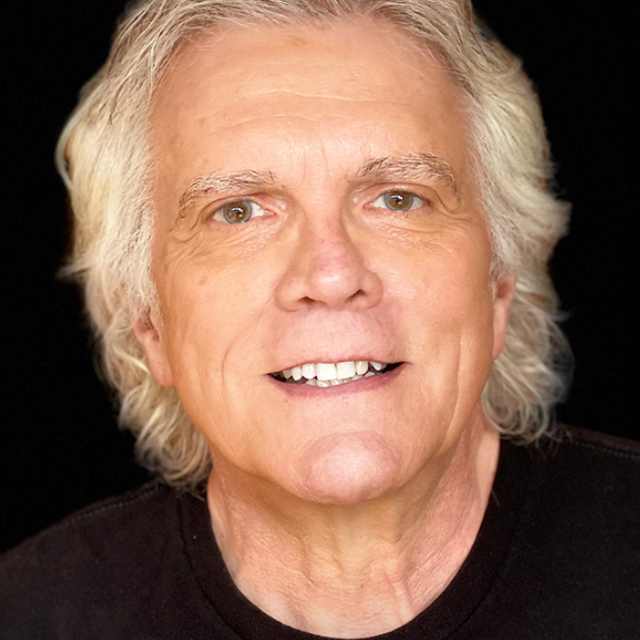
Join professional photographer Rick Sammon as he walks you through key features of these two Canon DSLR cameras and teaches you how to shoot like a professional. <br> <br> This class is perfect for someone who needs to set up their camera or compare features to another camera.
Release Date: 2009-06-24
Lessons
Introduction
<p>Rick introduces himself and talks about what he will cover in this course</p>
Duration: 2 mins 44 seconds
Recipe for Digital Photographs
<p>The top 10 elements that go into creating a quality photograph</p>
Duration: 15 mins 56 seconds
Must Know Info, Part 1
<p>There are some things that you really need to know about your camera in order to get the most out of it</p>
Duration: 7 mins 47 seconds
Must Know Info, Part 2
<p>Understanding the histogram and color modes</p>
Duration: 4 mins 59 seconds
Must Know Info, Part 3
<p>This lesson covers lens f-stop settings, filter flare, and camera care</p>
Duration: 5 mins 31 seconds
Shared and Unique Features of 40D and 50D
<p>Comparing and contrasting the two DSLRs from Canon</p>
Duration: 5 mins 20 seconds
Batteries, Memory Cards, and LCD Brightness
<p>Going over these basic features of any digital SLR camera.</p>
Duration: 1 mins 39 seconds
Camera Settings
<p>Exploring the exposure dial and Rick's reasons why you should be shooting in creative mode</p>
Duration: 1 mins 9 seconds
Setting the ISO
<p>Evaluating the conditions and choosing the proper ISO setting</p>
Duration: 2 mins 40 seconds
Image Quality
<p>Rick recommends shooting in Raw file mode</p>
Duration: 1 mins 54 seconds
White Balance
<p>Making sure your camera is capturing the proper colors by setting the white balance</p>
Duration: 5 mins 1 seconds
Exposure Modes
<p>Learning the exposure modes and how to set them up properly</p>
Duration: 8 mins 49 seconds
Drive, Focus, and Metering Modes
<p>Setting the self-timer, the drive modes, the focus modes, and metering modes in the camera</p>
Duration: 6 mins 51 seconds
Exposure Compensation and Highlight Alert
<p>Tips on adjusting exposure quickly and easily</p>
Duration: 2 mins 21 seconds
Flash Photography
<p>Using the auto flash, accessory flashes, and balancing the flash with the available light</p>
Duration: 7 mins 13 seconds
Custom Functions
<p>How to customize the camera settings for your use</p>
Duration: 4 mins 59 seconds
Live View
<p>When to use Live View and how to activate it on the camera</p>
Duration: 2 mins 3 seconds
Plugs and Connections
<p>Going over the terminals and connectors on these two cameras</p>
Duration: 3 mins 33 seconds
Going Through the Menus
<p>In this final class, Rick gives an overview of all of the menu items</p>
Duration: 6 mins 33 seconds