Fantasy Portraits
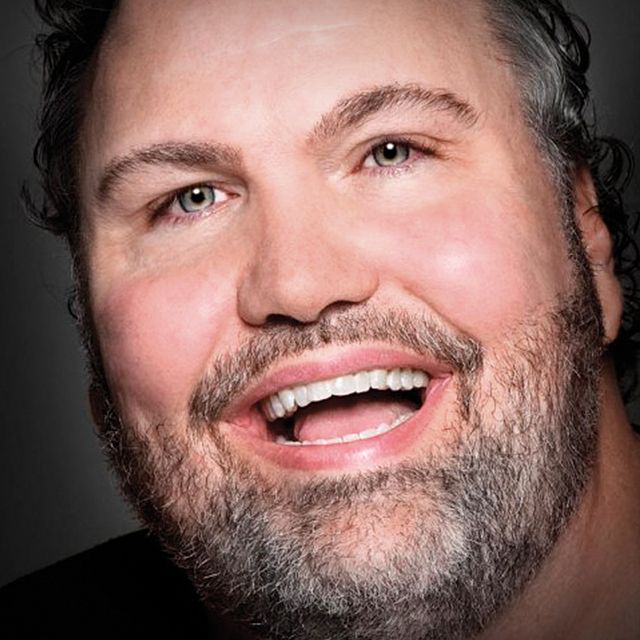
David Cuerdon shows off his process from start to finish. First, shooting a model, then adding fantasy elements using Photoshop.
Release Date: 2009-06-19
Lessons
Introduction
<p>David talks about what he will be covering in this course</p>
Duration: 2 mins 34 seconds
The Model Shoot
<p>We start with a photo shoot in which the subject will be showing off both a good and evil side</p>
Duration: 7 mins 50 seconds
Creating Backgrounds
<p>Creating a background behind the model using the cloud filter in Photoshop</p>
Duration: 9 mins 3 seconds
Masking and Outlining
<p>David talks about the different ways to mask and outline a subject and shows how he prefers to work</p>
Duration: 12 mins 5 seconds
Creating a Feather
<p>The first step in making an angel wing is creating the first feather</p>
Duration: 15 mins 9 seconds
Creating the Feathered Wing, Part 1
<p>Starting with that first feather, it is time to start designing the entire wing</p>
Duration: 8 mins 5 seconds
Creating the Feathered Wing, Part 2
<p>Grouping the feathers and creating the layers of the wing</p>
Duration: 6 mins 42 seconds
Adding Wings to the Subject
<p>Taking the wings and adding them to the shot of the model</p>
Duration: 6 mins 0 seconds
Vampire
<p>Shooting the model with a color gel on the light and trying to bring out a darker side</p>
Duration: 5 mins 27 seconds
Creating the Vampire
<p>Using the darker image of the model, the process begins of transforming the subject into a vampire</p>
Duration: 10 mins 12 seconds
Vampire Background
<p>Using the clouds filter to create the dark background behind the vampire</p>
Duration: 8 mins 4 seconds
Adding the Moon
<p>Adding a full moon and clouds behind the vampire subject</p>
Duration: 8 mins 53 seconds
Adding the Fangs
<p>Adding details to the face of the model to make her appear more like a vampire</p>
Duration: 7 mins 48 seconds
Detail in the Eyes
<p>Add the finishing touches to the vampire by darkening the eyes and adding spot light glow</p>
Duration: 9 mins 20 seconds
Creating a Fairy
<p>Starting with a shot of the subject, the first step is masking the subject and adding a crescent moon</p>
Duration: 13 mins 59 seconds
Background and Foreground
<p>Adding elements to the background and foreground of the fairy image</p>
Duration: 6 mins 6 seconds
Cropping and Shading
<p>Cropping out some excess size and adding some shading a highlights</p>
Duration: 8 mins 34 seconds
Color Adjustments to the Fairy Image
<p>Adjusting the hue and saturation to put the finishing touches on the fairy image</p>
Duration: 2 mins 56 seconds
Adding Fairy Wings
<p>Adding fairy wings to the subject</p>
Duration: 5 mins 29 seconds
Fairy Dust
<p>Creating a fairy dust brush and then using it to scatter fairy dust patterns into the image</p>
Duration: 10 mins 21 seconds
Reflections
<p>Adding reflections of the moon and fairy dust towards the bottom of the image</p>
Duration: 6 mins 39 seconds
Creating the Fairy Wing
<p>Creating fairy wings takes some technical knowledge but here are some step-by-step directions for how to do it</p>
Duration: 14 mins 22 seconds
Fairies, Devils, and Vulcans: Creating a Pointy Ear
<p>Using an earlier shot, this lesson shows how changing wings and ears can transform an angel into a fairy</p>
Duration: 11 mins 3 seconds
Conclusion
<p>Thanks for following along. Hope you enjoyed the course</p>
Duration: 1 mins 43 seconds