Adobe Photoshop CS4 Selections and Masks
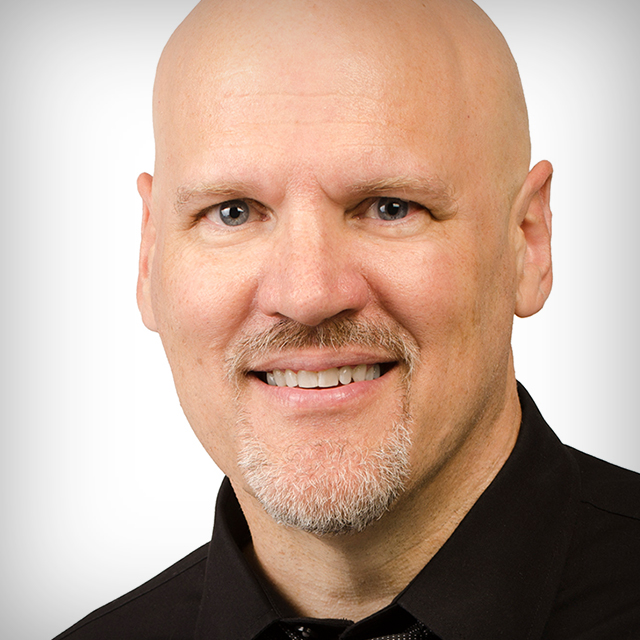
In this course, Dave Cross covers the tools and techniques for making selections and creating layer masks using Photoshop CS4
Release Date: 2008-10-28
Lessons
Introduction
<p>Course instructor Dave Cross gives a general overview of what will be covered in these classes</p>
Duration: 0 mins 43 seconds
Selections Versus Masks
<p>See the difference between selections and masks, and why it is important to use both</p>
Duration: 6 mins 34 seconds
Overview of Tools and Select Menu
<p>A quick overview of the key selection tools and functions</p>
Duration: 5 mins 17 seconds
Marquee Tools
<p>How to use the Rectangular and Elliptical Marquee tools</p>
Duration: 6 mins 58 seconds
Lasso Tools
<p>How to use the Regular, Magnetic and Polygonal Lasso tools, including how to switch between them on the fly</p>
Duration: 9 mins 9 seconds
Quick Selection Tool/Magic Wand
<p>Learn how to make automatic selections with the Magic Wand and Quick Selection tools</p>
Duration: 5 mins 28 seconds
Quick Mask
<p>Change the view of your selection and adjust that selection using Quick Mask</p>
Duration: 9 mins 58 seconds
Pen Tool
<p>An overview of using the Open tool to draw (and edit) a path that can be turned into a selection</p>
Duration: 7 mins 39 seconds
Bonus: Extract
<p>Learn about the optional Extract Filter: how to install and use it</p>
Duration: 5 mins 34 seconds
Fine-Tuning Selections
<p>How to make your selection more accurate by fine-tuning the selection edge</p>
Duration: 7 mins 17 seconds
Refine Edges
<p>See how the Refine Edge option lets you adjust the edge of your selection with a live preview</p>
Duration: 6 mins 22 seconds
Color Range
<p>Learn how Color Range can help you select a specific range of colors throughout a document in a more interactive way than the Magic Wand</p>
Duration: 10 mins 2 seconds
Bonus: Taking Better Photos
<p>If you are the one taking the photo, make less work for yourself</p>
Duration: 3 mins 50 seconds
Making a Mask From a Selection
<p>How to turn your selection into an Alpha Channel or a Layer Mask</p>
Duration: 7 mins 6 seconds
Editing a Mask
<p>Paint on the mask and use the Masks panel to get a better edge</p>
Duration: 7 mins 26 seconds
Channel-Based Selection
<p>For complex selections, start with a channel to create a mask</p>
Duration: 11 mins 38 seconds
Bonus: When Not To Make a Selection
<p>Sometimes you may not need to make a selection</p>
Duration: 4 mins 26 seconds
Example 1
<p>Watch a real-world example of making a complex selection</p>
Duration: 4 mins 40 seconds
Example 2
<p>Watch a real-world example of making a challenging selection</p>
Duration: 11 mins 31 seconds
Conclusion
<p>Thanks for watching. You are ready to go out and make some selections and masks</p>
Duration: 0 mins 31 seconds