Going Deeper Into Apple Motion
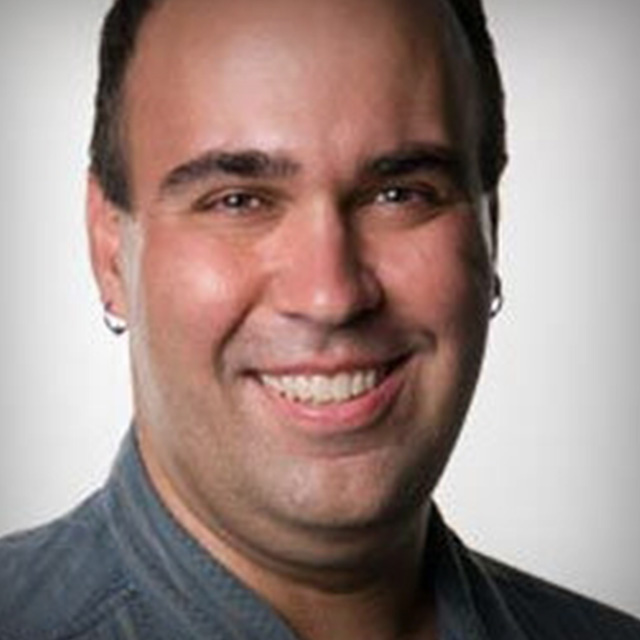
Richard Harrington shows you the vital intermediate level features found in Apple Motion. From filters and key frames, to particles and gestures, this comprehensive training allows users to easily take the next steps and master Apple Motion.
Release Date: 2008-08-27
Lessons
Behaviors in Motion
<p>Richard Harrington shows you how to use Motion's behaviors to animate without using keyframes.</p>
Duration: 9 mins 28 seconds
Keyframes in Motion Part 1
<p>Richard Harrington shows you how to use keyframes in Motion to more precisely control your animation. Part 1</p>
Duration: 8 mins 34 seconds
Keyframes in Motion Part 2
<p>Richard Harrington shows you how to use keyframes in Motion to more precisely control your animation. Part 2</p>
Duration: 6 mins 45 seconds
Keyframes in Motion Part 3
<p>Richard Harrington shows you how to use keyframes in Motion to more precisely control your animation. Part 3</p>
Duration: 6 mins 8 seconds
Filters in Motion Part 1
<p>Richard Harrington shows you how to use Motion's filters to stylize your footage. Part 1</p>
Duration: 6 mins 23 seconds
Filters in Motion Part 2
<p>Richard Harrington shows you how to use Motion's filters to stylize your footage. Part 2</p>
Duration: 7 mins 10 seconds
Filters in Motion Part 3
<p>Richard Harrington shows you how to use Motion's filters to stylize your footage. Part 3</p>
Duration: 7 mins 27 seconds
Generators in Motion Part 1
<p>Richard Harrington shows you how to use Motion's generators for a variety of effects. Part 1</p>
Duration: 8 mins 5 seconds
Generators in Motion Part 2
<p>Richard Harrington shows you how to use Motion's generators for a variety of effects. Part 2</p>
Duration: 4 mins 49 seconds
Particles in Motion Part 1
<p>Richard Harrington shows you how to us particles in Motion to create unique effects. Part 1</p>
Duration: 6 mins 24 seconds
Particles in Motion Part 2
<p>Richard Harrington shows you how to us particles in Motion to create unique effects. Part 2</p>
Duration: 8 mins 24 seconds
Particles in Motion Part 3
<p>Richard Harrington shows you how to us particles in Motion to create unique effects. Part 3</p>
Duration: 6 mins 11 seconds
Replicators in Motion Part 1
<p>Richard Harrington shows you how to use Motion's replicators to create abstract patterns for us in your design. Part 1</p>
Duration: 5 mins 14 seconds
Replicators in Motion Part 2
<p>Richard Harrington shows you how to use Motion's replicators to create abstract patterns for us in your design. Part 2</p>
Duration: 8 mins 54 seconds
Replicators in Motion Part 3
<p>Richard Harrington shows you how to use Motion's replicators to create abstract patterns for us in your design. Part 3</p>
Duration: 6 mins 31 seconds
Motion Paint Engine Part 1
<p>Richard Harrington shows you how to use Motion's paint engine and a tablet to add brush strokes into your scene. Part 1</p>
Duration: 9 mins 11 seconds
Motion Paint Engine Part 2
<p>Richard Harrington shows you how to use Motion's paint engine and a tablet to add brush strokes into your scene. Part 2</p>
Duration: 7 mins 52 seconds
Gestures
<p>Richard Harrington explains how to use shortcut gestures with your design tablet to streamline your workflow.</p>
Duration: 8 mins 46 seconds