SB800 Flashes: Taking the Next Step
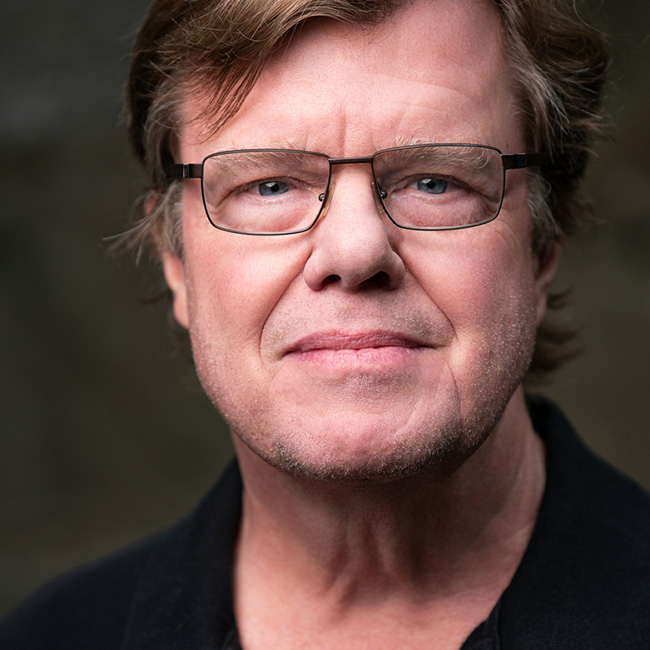
Famed photographer Joe McNally demonstrates some more advanced techniques using flashes.
Release Date: 2008-05-21
Lessons
Exploring the Possibilities
<p>Joe introduces this new class on hot shoe flash photography and discusses some of the things you will be learning along the way</p>
Duration: 1 mins 47 seconds
Zero Out the Camera
<p>It is important to reset the levels in your camera and begin every photo shoot with a good starting point</p>
Duration: 3 mins 45 seconds
One Light Approach
<p>Getting started by hot shoeing the flash and moving on to using an umbrella and remote groups</p>
Duration: 9 mins 35 seconds
Changing the Light
<p>Arrange the strobes using Justin clamps and create an overhead lighting setup</p>
Duration: 5 mins 21 seconds
Small Variations
<p>Just a slight change in your subjects position can radically alter the lighting results</p>
Duration: 1 mins 51 seconds
Extreme Shadows
<p>Harsh shadows falling on your subject can create a very dramatic effect</p>
Duration: 8 mins 38 seconds
Working With Your Subject
<p>It is very important to communicate with your subject about what your vision for the image is</p>
Duration: 2 mins 39 seconds
Adjusting the Quality of Light
<p>Working with strobes to create a profile or edge light effect that will outline your subject</p>
Duration: 19 mins 58 seconds
Hard Edge Portrait
<p>Bring in a third C group of light and experiment to find the photo you like</p>
Duration: 7 mins 34 seconds
The Benefits of an Organized Set
<p>A C-stand with three legs of different heights allows for more options and better organization</p>
Duration: 2 mins 12 seconds
Softening the Light
<p>Using dome diffusers and screens to soften the light on your subject</p>
Duration: 6 mins 6 seconds
Never Neglect the Floor
<p>Bouncing a light off of the floor is an effective way to illuminate your subject</p>
Duration: 7 mins 24 seconds
Location Assessment
<p>When first coming to a new location, examine the surroundings and think through the look and feel of your shoot</p>
Duration: 3 mins 28 seconds
Skew the Lights
<p>You can vary the intensity of your lights if they are coming at your subject from different distances</p>
Duration: 3 mins 40 seconds
Cut the Light
<p>Using a solid to gradate the light coming through the panel</p>
Duration: 2 mins 4 seconds
Controlling Strobes Behind You
<p>You can use a cable to control your strobe commander when shooting in front of your lights</p>
Duration: 3 mins 18 seconds
Big Light Source
<p>Trying to recreate a natural light by using a large panel with multiple strobes behind it</p>
Duration: 6 mins 30 seconds
Drag the Shutter
<p>Sometimes you will need to slow your shutter speed in lower light conditions</p>
Duration: 6 mins 43 seconds
Just Go For It
<p>Remember, pixels are free. When you have your subject in a good pose, shoot as many pictures as you can</p>
Duration: 2 mins 6 seconds
Simulate Natural Light
<p>You have to be creative in conditions when available light is no longer available</p>
Duration: 4 mins 40 seconds
Singular Light
<p>Using a singe light source means that your subject will have a limited range of motion</p>
Duration: 1 mins 51 seconds
Conclusion
<p>Thanks for coming along with us as we moved from the studio to location shooting</p>
Duration: 1 mins 46 seconds