Picture Postcard Workflow Part 1
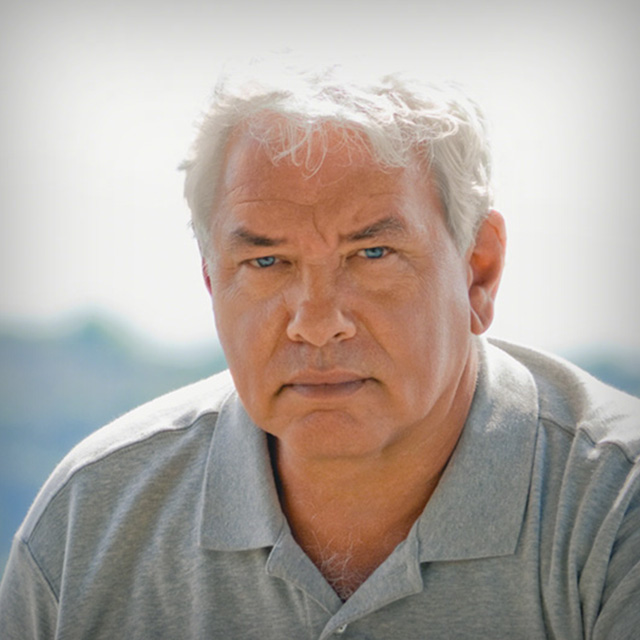
This course will feature Dan Margulis, new workflow for creating a conservative color image in Photoshop.
Release Date: 2008-02-19
Lessons
Introduction
<p>A new workflow for creating a conservative color image in Photoshop.</p>
Duration: 14 mins 12 seconds
Workflows Old And New
<p>Traditional color correction using curves.</p>
Duration: 6 mins 32 seconds
Preview The Entire Workflow
<p>Learning the proper order of the steps.</p>
Duration: 8 mins 21 seconds
Using LAB to Analyze Color
<p>Analyzing the color</p>
Duration: 13 mins 14 seconds
Making Quick Decisions
<p>Quickly determine areas that need correction.</p>
Duration: 10 mins 32 seconds
Workflow Examples
<p>Color Correcting Images</p>
Duration: 15 mins 51 seconds
The Color Green
<p>Making certain colors more intense.</p>
Duration: 7 mins 59 seconds
More Examples
<p>Examining Color from the forest to the beach.</p>
Duration: 11 mins 58 seconds
Curves and Contrast
<p>Using Curves To Increase Contrast</p>
Duration: 7 mins 24 seconds
Need Curves?
<p>Evaluating photos to see if the curves need to be adjusted.</p>
Duration: 7 mins 36 seconds
Color Correcting People
<p>Examining flesh tones and hair colors.</p>
Duration: 6 mins 30 seconds
Cityscapes Old and New
<p>Color Correcting The Lost City</p>
Duration: 11 mins 51 seconds
Introducing Part 2
<p>Introducing Part 2</p>
Duration: 1 mins 10 seconds