Introduction to Photoshop LAB Color
LABs power in creating believable separation of colors has made it the venue of choice for many outdoor photographers. These lessons explore not only the basic structure of LAB and its common uses, but expands into several advanced retouching areas.
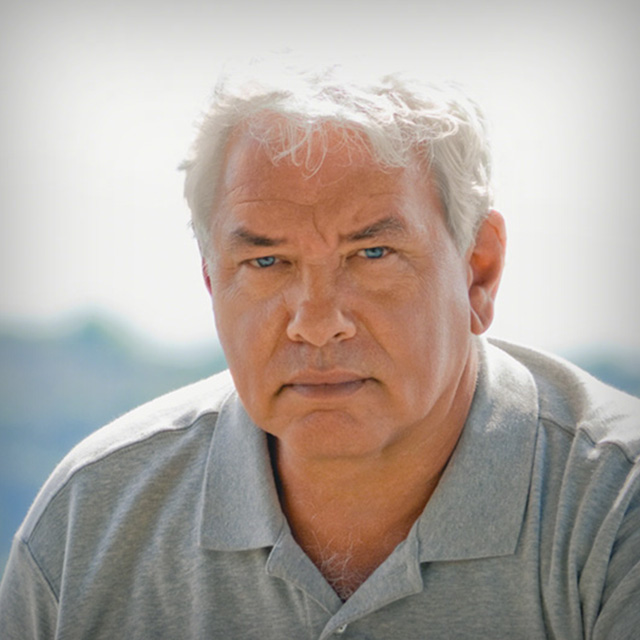
Release Date: 2007-12-18
Lessons
Introduction
<p>Dan welcomes you to the course</p>
Duration: 5 mins 7 seconds
The Power of LAB
<p>A look at a few examples that demonstrate the power of LAB</p>
Duration: 7 mins 56 seconds
More LAB Power
<p>A deeper looking into the creative power that LAB mode offers</p>
Duration: 4 mins 48 seconds
A Look at the LAB Channel
<p>Comparing the LAB channel to RGB or CYMK</p>
Duration: 8 mins 30 seconds
A Basic LAB Curve
<p>Take a look at a simple, basic, but powerful curve in LAB</p>
Duration: 8 mins 6 seconds
Taking the Curve Further
<p>What to do when you need to adjust your curve even more</p>
Duration: 5 mins 6 seconds
When Not to Use LAB
<p>A look at when Lab may hurt your image more then help it</p>
Duration: 9 mins 5 seconds
A Closer Look at the LAB Channels Themselves
<p>Take a look at the actual LAB channels themselves</p>
Duration: 4 mins 29 seconds
Creating New Colors
<p>Using the A and B channels to produce new colors</p>
Duration: 3 mins 6 seconds
Correcting a Color Cast
<p>An example of using Lab to correct a color cast</p>
Duration: 13 mins 50 seconds
Enhancing Color with LAB
<p>Experimenting with LAB to enhance and change colors</p>
Duration: 9 mins 3 seconds
LAB and Masks
<p>Selectively enhacing part of your photo with LAB</p>
Duration: 13 mins 35 seconds
Applying a Quick LAB Workflow
<p>Quickly edit an image by applying the LAB workflow</p>
Duration: 6 mins 33 seconds
Paying Attention to Skin Tone
<p>This lesson shows how to concentrate on keeping skin tones intact</p>
Duration: 7 mins 20 seconds
Taking Advantage of LAB Concepts While in RGB
<p>Keeping LAB concepts in mind you can quickly correct an image in RGB mode too</p>
Duration: 1 mins 56 seconds
Blending Adjustments in LAB
<p>Look into the Blend If sliders when used in RGB and LAB</p>
Duration: 7 mins 59 seconds
Masks and Selections in LAB
<p>LAB mode makes it easier to select things by color</p>
Duration: 2 mins 28 seconds
More LAB Blending Power
<p>See ways to blend adjustments that just can't be done in RGB</p>
Duration: 4 mins 57 seconds
Using LAB to Help Fix CYMK Images
<p>Use a copy of an image in LAB mode to help fix a CYMK or RGB image</p>
Duration: 3 mins 8 seconds
Getting Better Skies
<p>Some tips and techniques for getting better skies while maintaing good color everywhere else</p>
Duration: 7 mins 55 seconds
A Final Look at the Power of LAB
<p>Take a look at a few simple LAB techniques used together to produce an image that you could only get with LAB</p>
Duration: 2 mins 15 seconds
Conclusion
<p>Thanks for joining me</p>
Duration: 2 mins 44 seconds