Taking Your "Sportraits" to the Next Level
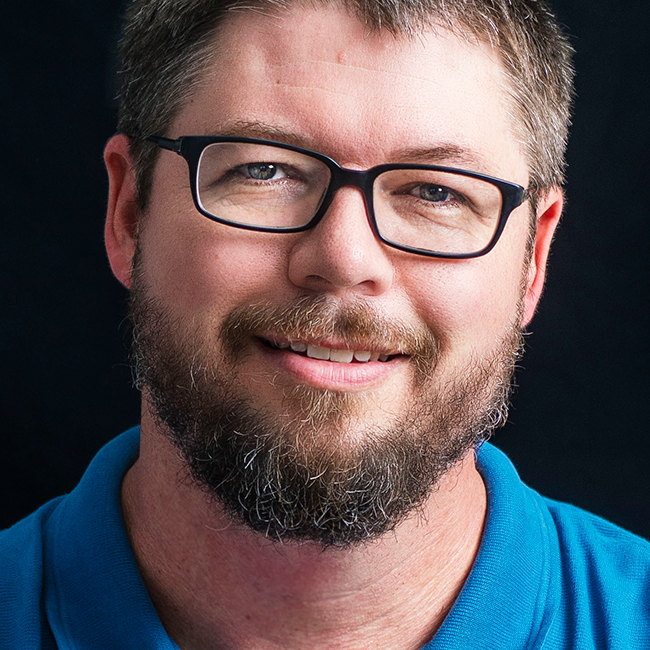
Learn new techniques designed to elevate your sport portrait shoots! Join Kirk Nelson as he breaks down his go-to lighting setup, demonstrates how he builds a shoot, offers practical advice on adding atmospheric elements, and then puts it all together with his Lightroom Classic and Photoshop workflow. This class takes you from start to finish, with both female and male athletes, and gives you the know-how to incorporate these concepts into your next project!
Release Date: 2024-10-02
Lessons
Introduction
Join Kirk as he introduces the class and discusses what will be covered in the lessons that follow.
Duration: 0 mins 43 seconds
Location Considerations
One of the first things you need to establish is the location for the shoot.
Duration: 2 mins 32 seconds
Lighting Setups
Kirk shares his go-to lighting setup to get you started.
Duration: 6 mins 55 seconds
Modifying Light
Kirk shares his favorite light modifier and how it works.
Duration: 3 mins 50 seconds
Building the Shoot
Building on previous lessons, Kirk moves on to discussing how he builds out the shoot.
Duration: 11 mins 1 seconds
Fog and Smoke Machines
Make your shoots even more fun by adding in smoke and fog.
Duration: 8 mins 16 seconds
Making Mist
Aside from smoke and fog another option is to incorporate water mist.
Duration: 3 mins 7 seconds
Dramatic Poses for Female Athletes
Get a glimpse behind the scenes of a typical shoot and how Kirk poses his female athletes.
Duration: 10 mins 44 seconds
Dramatic Male Athlete Poses
Shifting gears to football players, Kirk shares the changes he makes to his setup and posing for these athletes.
Duration: 20 mins 48 seconds
Starting in Lightroom Classic
Now that the shoots are done Kirk shares how he gets started with the photos in Lightroom Classic.
Duration: 6 mins 55 seconds
Batch Editing
One of Lightroom Classic's strengths is being able to batch edit photos quickly and efficiently.
Duration: 5 mins 37 seconds
Single Image Workflow
Kirk demonstrates his workflow for addressing issues in a single image.
Duration: 8 mins 2 seconds
Incorporating Elements in Photoshop
Moving on in his workflow, Kirk demonstrates how he can incorporate visual elements into his portraits in Photoshop.
Duration: 9 mins 19 seconds
Deeper Lightroom Classic Workflow
As Kirk moves into photos of his female athlete he demonstrates additional workflow steps in Lightroom Classic.
Duration: 11 mins 35 seconds
Make it Great
Kirk demonstrates how to take an OK photo and make it a truly great photo.
Duration: 11 mins 5 seconds
Creating Synthetic Backgrounds
As this technology evolves, there is an opportunity to explore what AI generated backgrounds can bring to a shot.
Duration: 12 mins 31 seconds
Conclusion
Kirk wraps up the class with some closing thoughts to help you take the concepts to the next level in your workflow.
Duration: 0 mins 51 seconds