Photoshop Essentials for Landscape Photographers
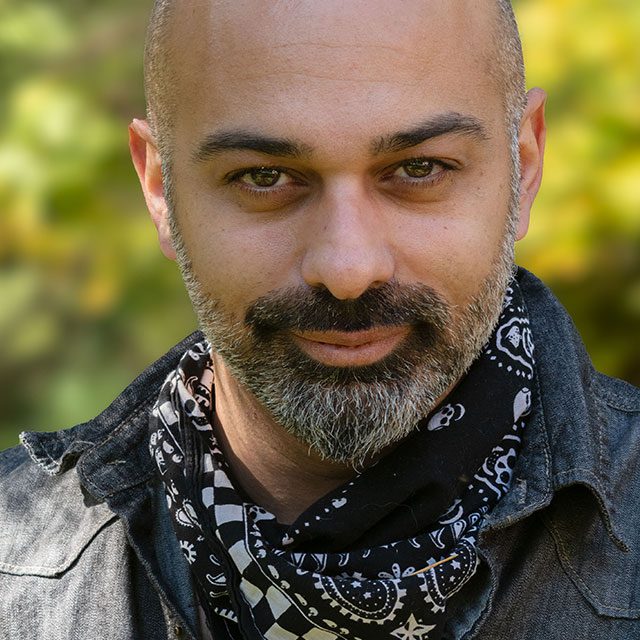
Take your landscape photographs to the next level in Photoshop! Join Rammy Kazemi for an in-depth and informative exploration of the essential Photoshop techniques he uses in his landscape photography. From starting with the initial raw files all the way through everything he does to transform his photo to meet his artistic vision from the moment he captured it. In this class you’ll learn about masking, focus stacking, luminosity masks, sky replacement, dodging and burning, and so much more!
Release Date: 2024-05-09
Lessons
Introduction
Rammy introduces the class and discusses what will be covered in the lessons that follow.
Duration: 2 mins 46 seconds
Composition Concepts
Before jumping into Photoshop, Rammy shares some essential concepts for improving compositions.
Duration: 10 mins 45 seconds
Starting Raw Adjustments
When starting with a raw file there are always a few important things you need to do first.
Duration: 6 mins 54 seconds
Photoshop Masking
Understanding how to apply a mask in Photoshop is an essential skill for moving forward.
Duration: 4 mins 6 seconds
Focus Stacking
Focus stacking allows you to blend multiple photos of a single subject into a single photo with a greater depth of field.
Duration: 6 mins 26 seconds
Warp Tool
The Warp tool is a powerful tool for transforming the pixels in your photo, but be careful.
Duration: 4 mins 39 seconds
Sky Replacement
Replacing the sky in a photo is something that you don’t need to use all the time, but is an important technique to know. Rammy takes it to the next level by using AI to create a sky from scratch.
Duration: 12 mins 52 seconds
Luminosity Masking
Luminosity masking is a powerful tool for introducing color, contrast, or other effects.
Duration: 9 mins 12 seconds
Balancing Colors
The next step in the process is to make it look more natural by balancing the colors.
Duration: 18 mins 29 seconds
Dodging and Burning
Dodging and burning is all about focusing the light where it needs to be.
Duration: 15 mins 4 seconds
Adding Effects
Nearing the completion of the edit, Rammy shares some of his favorite special effects to take the photo to the next level.
Duration: 12 mins 4 seconds
Review and Final Edit
Rammy reviews all of the techniques he’s used so far and then finishes the edit by extending the canvas.
Duration: 8 mins 51 seconds