Aviation Photography Editing Techniques
Give your images that final polish! Join Moose Peterson in his library as he takes you through all the aspects of his post processing workflow that have evolved with the new tools available in Photoshop and Camera Raw. By the end of the class you’ll be able to select the tools that work for you and your visual storytelling regardless of the genre of photography. Be sure to download the files Moose has shared to make your workflow even more efficient than before.
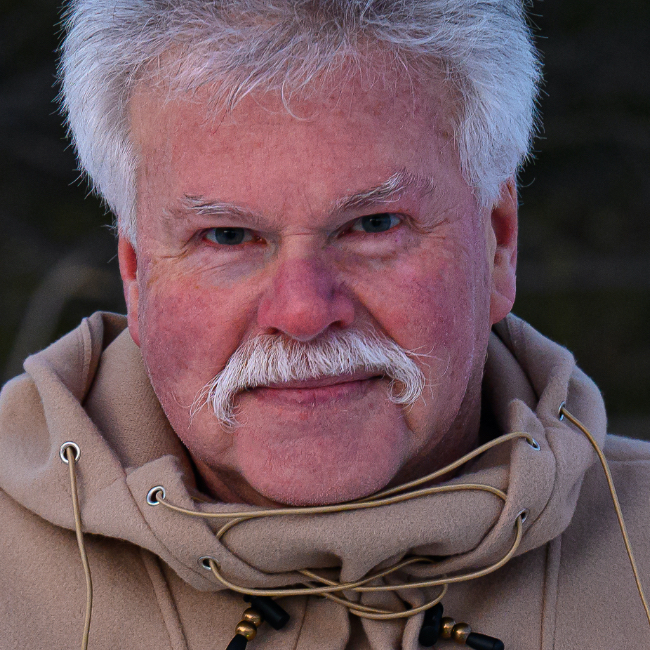
Release Date: 2023-12-14
Lessons
Introduction
Moose introduces the class and discusses what will be covered in the lessons that follow.
Duration: 2 mins 22 seconds
Creating a Starting Preset
Join Moose as he gives you a look at his editing workflow, starting with creating a profile that defines the desired starting place.
Duration: 16 mins 11 seconds
Masking Presets
You can also create masking presets to save you time and provide a consistent look.
Duration: 7 mins 5 seconds
Getting the Light Right
Get the light as good as you can in camera, but here in post processing is where you can really get it right.
Duration: 14 mins 34 seconds
Finishing a Photograph
Building on the previous lessons, Moose takes you all the way through post processing in a new image.
Duration: 13 mins 20 seconds
Celebrate the Moment
Sometimes you get it best as you can in camera knowing you’ll need to bring out the emotion in your post processing.
Duration: 16 mins 37 seconds
New Tools Save Time
The new generative AI tools allow us to accomplish tasks in a few minutes that would have taken much longer in the past.
Duration: 7 mins 6 seconds
Remove Distractions with Ease
Generative Fill allow you to remove distractions that you never would have even attempted in the past.
Duration: 8 mins 16 seconds
Conclusion
Moose wraps up the class with a few closing thoughts to help you move forward.
Duration: 1 mins 57 seconds