How to Customize Photoshop Like a Pro!
Make Photoshop your own! Join Terry White as he digs deep into all of the various ways you can customize Photoshop to make it work better for you. You’ll learn how to customize the Toolbar, menus, keyboard shortcuts, panels, workspaces, and more. Terry will show you what preference settings you can leverage to change the interface colors, font sizes, and even certain application behaviors. By the end of the class you’ll be excited and ready to set up Photoshop like a pro!
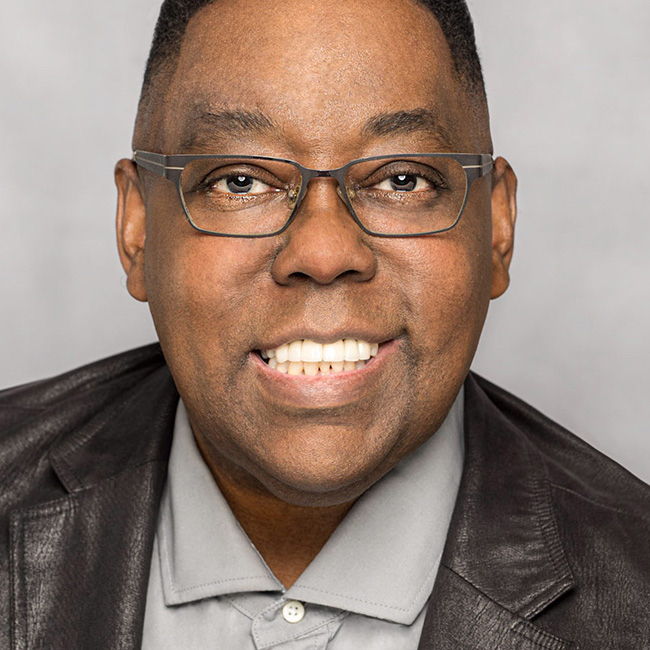
Release Date: 2021-03-18
Lessons
Introduction
Terry introduces the class and discusses what will be covered in the lessons that follow.
Duration: 1 mins 43 seconds
Customize Toolbar
Learn how to create your own custom toolbar that fits your workflow.
Duration: 14 mins 42 seconds
Customize Menus
Did you know you could customize the menus inside of Photoshop? Let Terry show you how.
Duration: 5 mins 33 seconds
Keyboard Shortcuts
With your toolbars and panels customized, you are ready to customize your favorite keyboard shortcuts.
Duration: 6 mins 1 seconds
Custom Workspaces
Tie your customizations together in a custom workspace.
Duration: 6 mins 12 seconds
Look of Photoshop
Customize the interface to make it look the way you want it to look.
Duration: 9 mins 22 seconds
Panel Options
Drill down into each panel and customize it to meet your needs.
Duration: 2 mins 37 seconds
Layers Panel
The Layers panel has a ton of cool options to help you make the most of how you use it.
Duration: 4 mins 20 seconds
Home Screen
Explore your options for using the Home Screen or not ever seeing it again.
Duration: 4 mins 22 seconds
Preset Syncing
Learn how to sync your presets between computers via the cloud.
Duration: 4 mins 30 seconds
Multiple Documents
Working with multiple documents open at one time.
Duration: 7 mins 42 seconds
Ruler Guides
Learn how to customize rules and guides.
Duration: 6 mins 52 seconds
Adding Custom Skies
The new Sky Replacement feature has the ability to accept your own custom skies.
Duration: 4 mins 9 seconds
Actions
Learn how to deal with your actions, share them with others, and transfer them to another computer.
Duration: 7 mins 49 seconds
Camera Raw
Camera raw customization is just as important as any other in Photoshop if you are a photographer.
Duration: 7 mins 41 seconds