Mastering Selections in Photoshop
Take your selection mastery to the next level! Join Glyn Dewis for a class that starts with the basic selection fundamentals you need to know, introduces you to the most important selection tools and shortcuts, and then demonstrates a variety of techniques for utilizing selections in real world projects. You’ll even learn techniques for combining layers that don’t even require selections. Glyn wraps up the class with a start to finish project that demonstrates how you can start to put all of this knowledge together and get the most out of the tools.
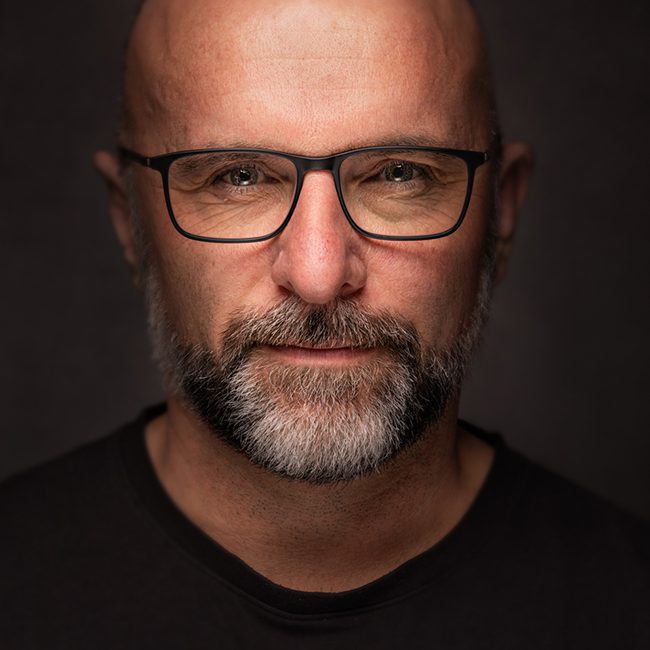
Release Date: 2020-10-01
Lessons
The Basics
Join Glyn as he introduces the basics of making selections.
Duration: 20 mins 6 seconds
Selection Tools
Get to know the selection tools you’ll use most often, and some you just want to be aware of in case they come in handy.
Duration: 17 mins 17 seconds
Select and Mask
Select and Mask is a powerful tool for helping you refine a selection.
Duration: 9 mins 5 seconds
Selecting Paratroopers
In this project Glyn demonstrates some of the tools and techniques he’s introduced in a real project.
Duration: 10 mins 18 seconds
Stag in the Snow
Learn a fantastic technique for using brushes to help you with your selections.
Duration: 16 mins 43 seconds
The Pen Tool
The Pen tool has a special role in making selections that takes a little practice to get the most out of it.
Duration: 11 mins 42 seconds
Cleaning Up Selections
Being able to clean up the halos around your selected area can be a lifesaver in a lot of projects.
Duration: 5 mins 12 seconds
Blending Layers
Blend modes and blend if are two powerful techniques for combining the elements of two photos into one.
Duration: 13 mins 40 seconds
Adjustment Layer Magic
Learn how you can use an adjustment layer to make a selection, without actually making a selection.
Duration: 7 mins 40 seconds
Start to Finish Project
Glyn wraps up the class with a project that takes you through all of the steps from the start to finish to employ many of the tools and techniques you’ve learned in this class.
Duration: 15 mins 12 seconds