Photoshop Layers for Beginners
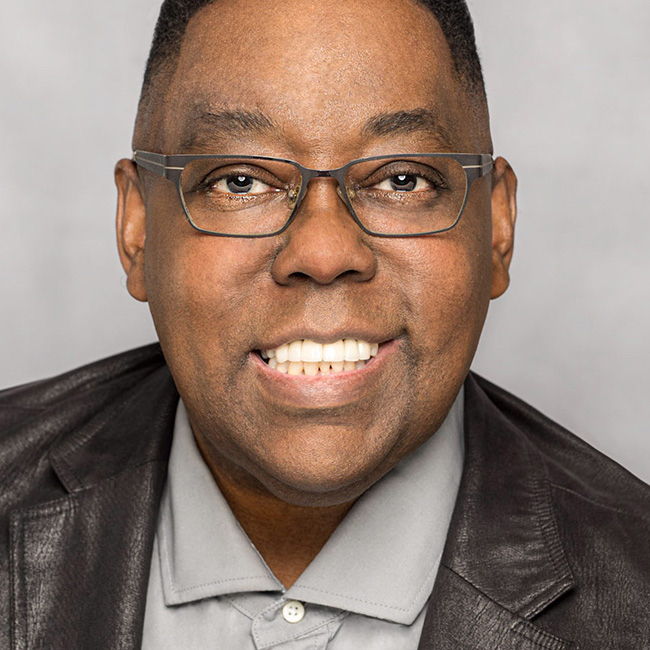
Learn how to get started with layers in Photoshop with Terry White! Layers are one of the most important and most used features in all of Photoshop, so if you really want to get good at Photoshop, you need to understand layers. Join Terry as he provides a solid foundation for understanding what layers are, how to create them, and how to make the most of all the features they provide. In this class you’ll learn about the different kinds of layers, how to make new layers, how to work with multiple layers, how to mask a layer, how to keep those layers organized in all of your future projects, and so much more.
Release Date: 2020-08-27
Lessons
Introduction
Join Terry as he introduces the class and discusses what will be covered in the lessons that follow.
Duration: 1 mins 45 seconds
What is a Layer?
You need to understand layers before you do anything else.
Duration: 4 mins 3 seconds
How to Create a Layer
Building on the previous lesson, Terry jumps into Photoshop and creates his first layer.
Duration: 5 mins 20 seconds
How to Work With Layers
Adding layers is easy, here’s how you can work with them as you add more.
Duration: 9 mins 47 seconds
How to Work with Photo Layers
Learn how to combine more than one photo together into a composite.
Duration: 11 mins 5 seconds
Masking
Masking is a very important concept for gaining flexibility when working with layers.
Duration: 9 mins 42 seconds
Locking Layers
Learn the reasons for when you might want to lock down certain aspects of a layer.
Duration: 5 mins 49 seconds
Adjustment Layers
Adjustment layers are powerful and flexible tools for editing your work.
Duration: 4 mins 23 seconds
Type Layers
Adding text to your work requires using Type layers.
Duration: 4 mins 42 seconds
Smart Objects
A smart object is a special type of container for layer elements that provide additional editing flexibility.
Duration: 7 mins 1 seconds
Linking Layers
Learn how to link multiple layers together so that they act as one layer.
Duration: 4 mins 7 seconds
Layer Effects
Layer effects provide built-in effects you can apply to individual layers.
Duration: 8 mins 5 seconds
Layer Groups
Keeping your Layers panel organized will keep you working efficiently as you move forward.
Duration: 5 mins 32 seconds