The Best Retouching Secrets Uncovered
Join Viktor Fejes and learn all of the Photoshop tips and tricks he wished he knew when he started out as a retoucher. Starting with the benefits of a tablet and proper monitor, Viktor dives into his favorite interface settings, how to get the most out of pen pressure on your tablet, key brush settings for retouching, how to easily tone down highlights on skin, brilliant tips for working with layer masks, alternative ways to cut out hair from a background, and so much more.
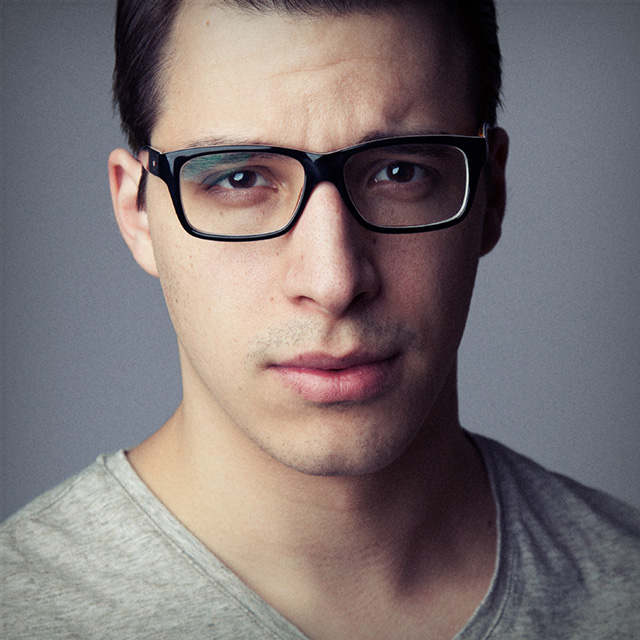
Release Date: 2019-12-05
Lessons
First Things First
The instructor introduces the class and discusses what will be covered in the lessons that follow, then jumps into the tips.
Duration: 2 mins 38 seconds
Interface Tips
Learn how to configure the Photoshop interface for optimal use.
Duration: 9 mins 10 seconds
Background Color Change
A quick tip on changing the background of the Photoshop interface.
Duration: 2 mins 1 seconds
Configure Pen Pressure
If you are using a Wacom pen tablet, then you’ll want to configure your tools to use pen pressure.
Duration: 6 mins 59 seconds
Brush Settings
Learn a few more tips for using brushes.
Duration: 11 mins 31 seconds
Toning Down Highlights on Skin
Viktor shares a tip for toning down highlights on a subject’s skin.
Duration: 11 mins 7 seconds
Masking Tips
Learn Viktor’s favorite tips for using masks.
Duration: 10 mins 43 seconds
Tips for Hair Cut Outs
Working with hair can be a challenge, so add these tricks to your toolkit.
Duration: 13 mins 14 seconds
Group From Layers
Learn how to apply a layer mask to a group of layers.
Duration: 3 mins 13 seconds
Transformation Tools
Viktor wraps up the class with tips on using the transformation tools.
Duration: 13 mins 54 seconds