Blending Moments of Light in Photoshop for Travel Photographers
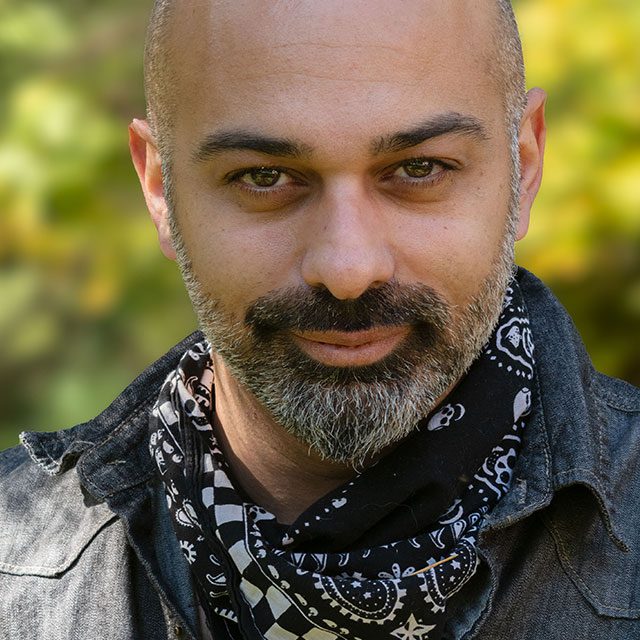
Join Rammy Kazemi for his latest installment of advanced Photoshop techniques for travel and landscape photographers! In this class Rammy takes you through his entire process for blending two photos taken at different times to create a result that is truly greater than the sum of its parts. Through each step in the process Rammy shares his unique take on evaluating the best parts of each photo, how to seamlessly blend the photos together, how to adjust contrast and color, how he approaches dodging and burning, and his special technique for adding depth and dimension. You're bound to be inspired as well as learn techniques you can apply to your own photography.
Release Date: 2019-10-03
Lessons
Introduction
The instructor introduces the class and discusses what will be covered in the lessons that follow.
Duration: 1 mins 43 seconds
Getting Started
Starting with the source photos in Lightroom Classic, Rammy goes through the background of the shoot, then sends the photos to Photoshop.
Duration: 5 mins 9 seconds
Bringing the Photos Together
With the two photos in Photoshop, Rammy goes through the process of starting to blend the photos together.
Duration: 6 mins 28 seconds
Contrast and Color Adjustments
With the photos merged into one, the next step is to fix a few things before performing contrast and color adjustments.
Duration: 12 mins 26 seconds
Dodging and Burning
The goal of dodging and burning is to fine tune the shadows and highlights in the photo to get it ready for atmospheric effects.
Duration: 12 mins 17 seconds
Adding Depth and Dimension
Using Rammy’s version of the Orton Effect, he shows how to add depth to your photo.
Duration: 6 mins 15 seconds
Conclusion
Rammy wraps up the class with a recap of all the things that have been done to create the final image.
Duration: 4 mins 21 seconds