Lightning Fast Actions in Photoshop
Boost your Photoshop productivity with actions! Join Kristi Sherk as she takes a deep dive into the world of Photoshop actions. In this class you’ll learn what actions are, why they are so powerful, when you should use them, how to record your own, and how they can help keep you on track as you work. Kristi steps through the process of creating several different actions that you can start using right away. You’ll even learn how to use one action to run other actions and how to run an action on a batch of images. By the end of the class you’ll be prepared to start creating your own custom actions as well as making the most of the free actions provided by the instructor. Work smarter, not harder, with actions!
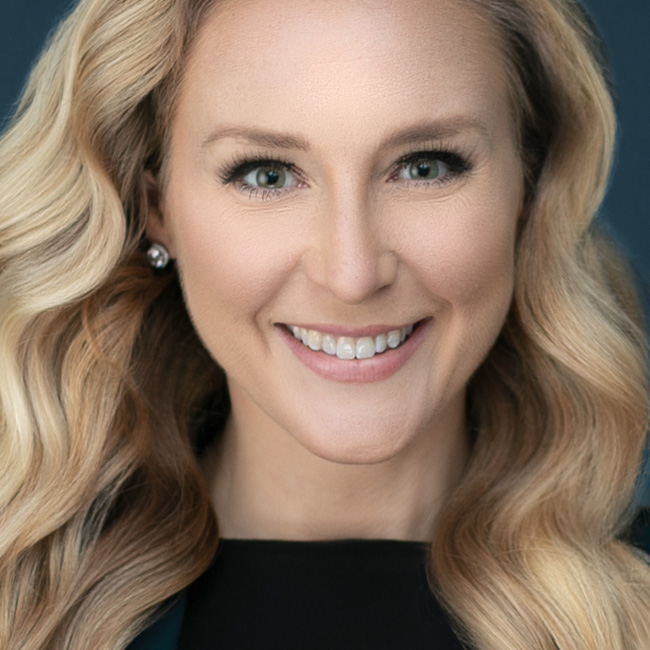
Release Date: 2019-08-01
Lessons
Introduction
The instructor introduces the class and discusses what will be covered in the lessons that follow.
Duration: 2 mins 20 seconds
Maximizing Work Space
It important to maximize your workspace when creating actions.
Duration: 3 mins 58 seconds
Do’s and Don’ts of Creating Actions
There are certain things you definitely want to do and things you don’t want to do when creating an action.
Duration: 11 mins 28 seconds
Whiten Teeth Action
Kristi goes through the steps for creating an action to whiten teeth.
Duration: 9 mins 15 seconds
Editing An Action
Learn how to edit an existing action to fix problems or add steps.
Duration: 5 mins 21 seconds
Face Tone Actions
In this lesson Kristi creates two actions to help even out skin tones in a photo.
Duration: 8 mins 29 seconds
Super Sneaky Lesson
Learn how to use an action to run other actions.
Duration: 5 mins 13 seconds
Adding User Input
Learn how to add user input into an action.
Duration: 7 mins 30 seconds
Watermark Action
Create a watermark action and a master action to control it.
Duration: 7 mins 20 seconds
Portrait In A Pinch
Kristi goes through her portrait in a pinch action that she is giving away.
Duration: 4 mins 44 seconds
Batch Automation
Learn how to run an action as a batch operation.
Duration: 7 mins 28 seconds