Advanced Color Grading to Create Mood and Drama
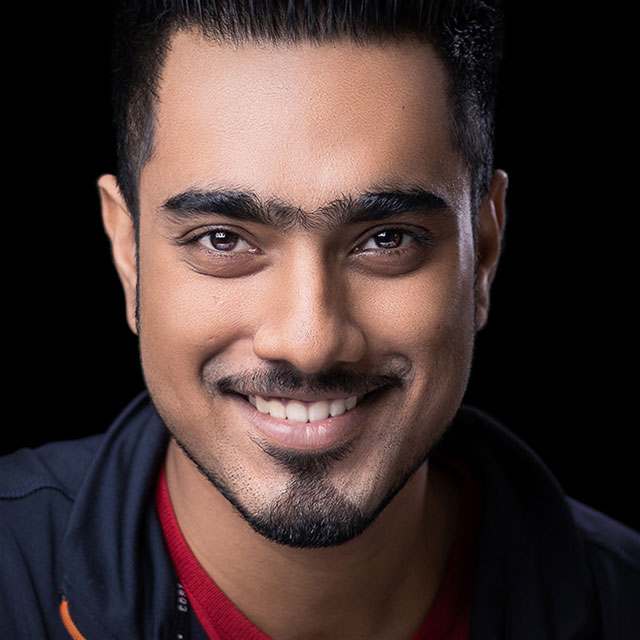
Master the art of color grading your photos with Unmesh Dinda! In this class you’ll learn practical steps you can apply to your photographs in a variety of ways and to achieve dramatic and moody results. You’ll learn how to color grade using gradient maps, curves, selective color adjustments, look up tables, and more. Unmesh even teaches you techniques for incorporating film-like grain, overlays, light flares, and spot light effects to take your creativity and color grading to new heights.
Release Date: 2019-07-10
Lessons
Introduction
The instructor introduces the class and discusses what will be covered in the lessons that follow.
Duration: 0 mins 34 seconds
Gradient Map Adjustment Layer
Applying a gradient map adjustment layer is an easy way to perform color grading.
Duration: 13 mins 45 seconds
Using Curves: Part 1
Curves plays a major role in all types of edits.
Duration: 13 mins 59 seconds
Using Curves: Part 2
Learn more advanced techniques for color grading with curves.
Duration: 10 mins 12 seconds
Color Themes
Learn new ways to apply colors using Color Themes extension.
Duration: 10 mins 47 seconds
Selective Color Adjustment
Learn how to tweak and adjust the colors to make them look great.
Duration: 9 mins 4 seconds
Look Up Tables
Combine multiple adjustments into one and apply it to a photo.
Duration: 8 mins 21 seconds
Creating Photoshop Preset
You can also combine multiple adjustments into a Photoshop Preset.
Duration: 3 mins 48 seconds
Adding Film Grain
Learn how to simulate film grain by adding noise with a twist.
Duration: 5 mins 37 seconds
Overlays and Lens Flares
Adding overlays and light flares are an essential part of color grading.
Duration: 9 mins 27 seconds
Applying Spot Light Effect
Make your subject standout with a spot light effect.
Duration: 7 mins 49 seconds