Creating Lighting Effects for Advanced Compositing
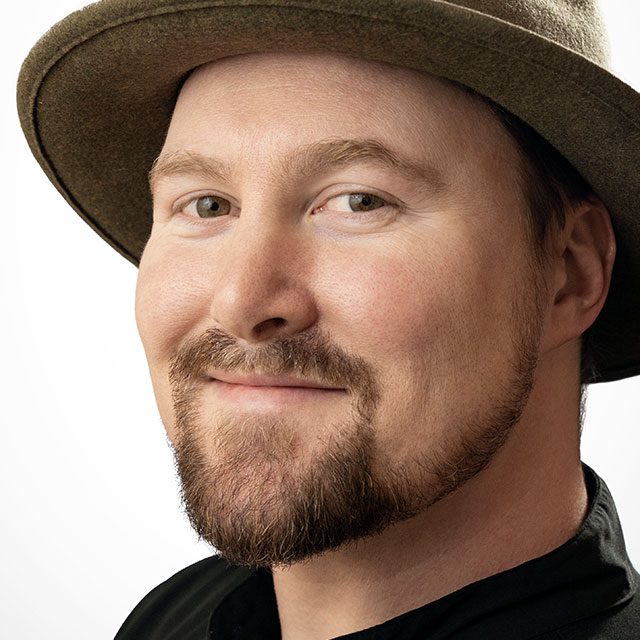
Learn how to create and composite your own amazing lighting effects with Bret Malley! In this class you'll discover the techniques Bret uses to create cool lighting effects with inexpensive tools you can use do almost anywhere. Beyond the gear and tools you'll learn how to set up the shots, the importance of pre-visualizing the final looks, how to capture the lighting elements, how to review and select the pieces you'll need, and how to pull it all together in post processing. No special plug-ins are needed, just basic camera gear, a dark space, Photoshop, and your imagination.
Release Date: 2019-02-14
Lessons
Introduction
Bret introduces the class and discusses what will be covered in the lessons that follow.
Duration: 1 mins 43 seconds
Gear and Setup
Learn what gear and setup is required to create these lighting effects.
Duration: 6 mins 19 seconds
Light Painting Tools
Bret shares some of the gear he uses for light painting.
Duration: 4 mins 3 seconds
Painting With Light
Now that you have the gear and everything set up you can start painting with light to create your effects.
Duration: 11 mins 0 seconds
Small Scale Pyrotechnics
After setting yourself up in a safe environment you can capture some flames and sparks.
Duration: 10 mins 33 seconds
Larger Scale Pyrotechnics: Part 1
After capturing a series of smaller sparks and flames Bret moves to the fire pit for a larger flame.
Duration: 6 mins 5 seconds
Larger Scale Pyrotechnics: Part 2
Taking it up another notch, Bret lights a Christmas tree on fire to capture larger flames.
Duration: 3 mins 21 seconds
Reviewing and Making Selects
After the shooting is done you’ll want to go through all photos and select the photos you want to use in your projects.
Duration: 5 mins 58 seconds
Pre-visualization
It is really important to imagine where things can go when you try to match the right special effects for your photos.
Duration: 2 mins 33 seconds
Editing in Camera Raw
With your selections and pre-visualization complete, it is time to edit your effects in Adobe Camera Raw (or Lightroom).
Duration: 7 mins 7 seconds
Compositing Elements Together
Bret begins the process of compositing in some of the lighting effects into the final photo.
Duration: 8 mins 11 seconds
Warping Lighting Effects
Once your light painted elements have been added to the composition you’ll probably need to manipulate its shape to fit your subject.
Duration: 12 mins 40 seconds
Shifting Colors
You may need to shift the colors of your light painted elements to better fit the feel of the final image.
Duration: 6 mins 58 seconds
Adding in Fire
Following the same blueprint from the past effects, Bret moves forward in adding in the flame and fire effects.
Duration: 10 mins 20 seconds
Final Effects
Bret wraps up the project with some finishing touches to bring it all home.
Duration: 7 mins 14 seconds