Advanced Landscape Post Processing Techniques
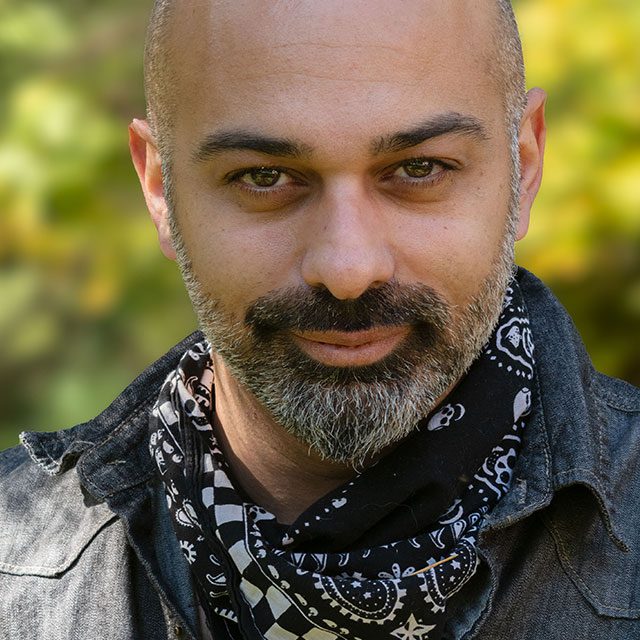
Learn advanced techniques for processing your landscape photos with Ramtin Kazemi! In this class you’ll discover Ramtin's workflow, from start to finish, for taking a raw photo from scratch through to being ready to print or share online. Ramtin takes you step-by-step through his techniques for creating vertical panoramas, color adjustments, luminosity masks, selective contrast adjustments, adding atmosphere, and so much more!
Release Date: 2018-09-05
Lessons
Introduction
Join Rammy as he introduces the class and discusses what will be covered in the lessons that follow.
Duration: 2 mins 43 seconds
Vertical Panorama
Learn how to create a vertical panorama starting in Lightroom and heading to Photoshop.
Duration: 18 mins 35 seconds
Color Adjustments and Luminosity Masking
Rammy works on the second photo taken in the Yukon, and goes through his workflow for applying color adjustments and luminosity masks.
Duration: 40 mins 47 seconds
Selective Contrast Adjustments
Building on the work done in the previous lesson, Rammy demonstrates how to bring it all together with contrast adjustments.
Duration: 15 mins 57 seconds
Color Correction and Dodging and Burning
From color correction to dodging and burning, Rammy demonstrates how he transforms the look of this photo.
Duration: 20 mins 20 seconds
Adding Sun Rays and Atmosphere
Learn how to add atmosphere to your photos with streaming rays of sunlight.
Duration: 9 mins 13 seconds
Adding Final Touches
Rammy returns to the second photo to apply sharpening and some finishing touches.
Duration: 9 mins 22 seconds
Recap
Join Rammy as he wraps up the class with some closing thoughts and recap of what has been covered so far.
Duration: 16 mins 17 seconds