Mastering Layers: Advanced Techniques
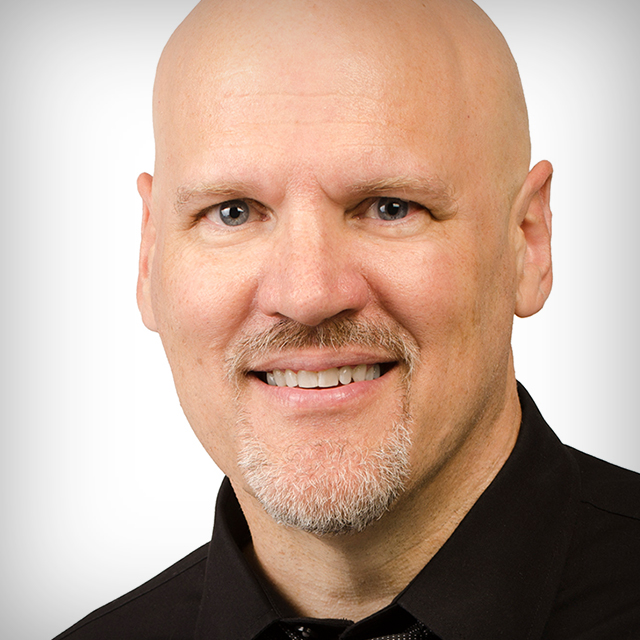
Become more effective using layers in Photoshop! Join Dave Cross as he builds on his previous class to teach you more advanced ways to leverage the power of layers. In this class you’ll learn how to use shape-based masks, vector masks, layer comps, advanced layer blending options, powerful ways to use smart objects, and much more. Dave wraps up the class sharing some of his favorite keyboard shortcuts for working with layers that you can implement in your workflow right away.
Release Date: 2017-08-16
Lessons
Locking and Filtering Layers
Join Dave as he introduces the class and jumps into a lesson on locking and filtering layers.
Duration: 6 mins 14 seconds
Shape-Based Masks
Shape-based clipping masks can be useful for a number of applications.
Duration: 6 mins 23 seconds
Layer Masks and Vector Masks
Beyond the basics, there are a number of ways to take advantage of these masks.
Duration: 4 mins 53 seconds
Layer Comps
Layer Comps have been around for awhile, but their use is not obvious.
Duration: 7 mins 9 seconds
Knockout
An advanced blending option in the layer style dialog that makes your layers interact in a different way.
Duration: 4 mins 38 seconds
Blend If
Another advanced blending option allows you to create transparency based on brightness values in your photo.
Duration: 7 mins 22 seconds
Smart Objects: Basics
Smart objects are incredibly powerful function of the Layers panel.
Duration: 8 mins 14 seconds
Smart Objects: Raw Photos
You can also embed a raw photo from Camera Raw or Lightroom as a Smart Object.
Duration: 5 mins 58 seconds
Smart Objects: Templates
With the ability to replace the contents of a smart object you can use them to create re-usable templates.
Duration: 3 mins 42 seconds
Smart Objects: Smart Filters
Applying filters to smart objects creates a smart filter, which gives you a lot of power.
Duration: 9 mins 52 seconds
Retouching Techniques
Layers give you a lot of flexibility in your retouching workflow.
Duration: 9 mins 26 seconds
Keyboard Shortcuts for Layers
Dave shares his favorite layer keyboard shortcuts.
Duration: 6 mins 40 seconds
Closing Thoughts
Dave wraps up the class with some closing thoughts on using layers.
Duration: 0 mins 21 seconds