Mastering Layers: Beginner Techniques
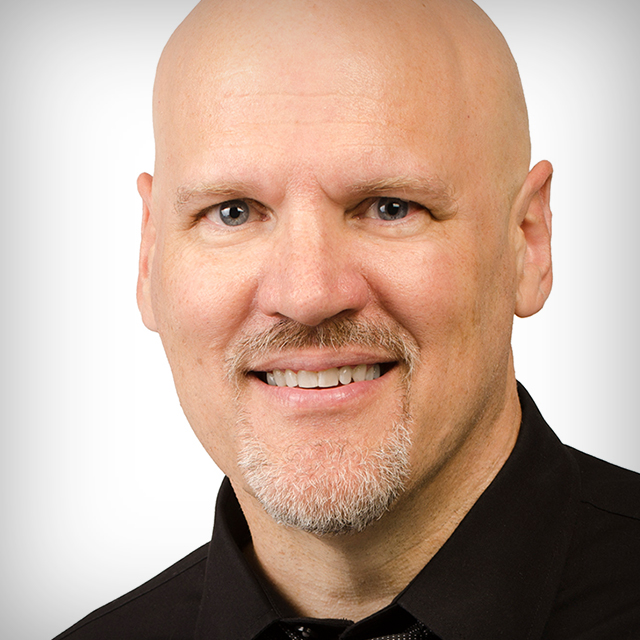
Join Dave Cross to learn how to become successful using Photoshop’s layers. Aimed at beginners, this class is designed to help you understand what a layer is, discover what types of layers exist and the ways they can be used, navigate the Layers panel, learn how to manage your layers, and much more. Understanding layers is the key to unlocking Photoshop’s tremendous capabilities for all manner of creative pursuits. By the end of this class you’ll have the confidence to take on more challenging projects.
Release Date: 2017-07-26
Lessons
What is a Layer?
Join Dave as he introduces the class, discusses what will be covered in the lessons that follow, and jumps into explaining what layers are and why they are important.
Duration: 5 mins 20 seconds
How Many Layers?
How many layers you’ll need will vary with each project, but using as few as is needed will keep things simple.
Duration: 5 mins 32 seconds
Understanding the Layers Panel
There are a few key areas within the Layers panel that you’ll need to understand.
Duration: 5 mins 55 seconds
How to Add Layers
Layers can be added automatically or manually as needed.
Duration: 8 mins 48 seconds
Organizing Your Layers
Good layer organization will help you work more efficiently over time.
Duration: 4 mins 57 seconds
Grouping Layers
Grouping your layers together helps with organization and provides additional functionality.
Duration: 5 mins 36 seconds
Layer Mask Basics
Applying a mask to a layer provides important functionality to get the most out of layers.
Duration: 12 mins 59 seconds
Making Masks from Selections
Sometimes it is easier to create a selection than to paint on a mask. Luckily we can convert selections into masks.
Duration: 5 mins 6 seconds
Layer Styles
Layer styles are special effects you can add to your layers.
Duration: 9 mins 55 seconds
Blending Options
From blending modes to opacity, there are additional layer features you can leverage for more control.
Duration: 8 mins 27 seconds
Preserving Layers
After doing all that work you’ll want to take steps to preserve your layers for future editing.
Duration: 6 mins 46 seconds
Wrap Up
Dave wraps up the class with some closing thoughts to help you go further with using layers.
Duration: 0 mins 50 seconds