Electrifying Eyes - Retouching Eyes in Photoshop
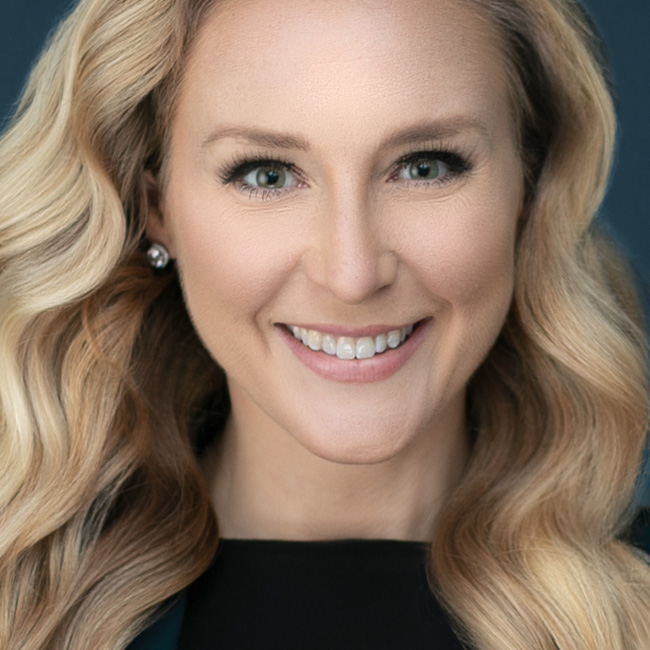
Join Kristina Sherk from Shark Pixel for an entire class dedicated to teaching you the best methods for retouching eyes using Photoshop. The eyes are the windows to the soul, and the first things viewers connect with when looking at your photographs. Correctly retouching eyes, without going overboard, is one of the most crucial aspects of portrait retouching, and can make or break a photo. In this class you’ll learn all aspects of eye retouching, including under the eyes, opening the eyes, whitening, adding lashes, exaggerating color, improving catchlights, and more. By the end of the class you’ll have a new bundle of tools, tips, and techniques for improving your retouching skills, as well as a free set of brushes you can download and use.
Release Date: 2017-05-03
Lessons
Under the Eyes
There three different methods for dealing with darkness under the eyes.
Duration: 12 mins 39 seconds
Eyebrows
The eyebrows frame the eyes, so you want them to look good too.
Duration: 5 mins 33 seconds
Opening the Eyes
A fairly common request is to open the eyes a little bit as part of your retouching.
Duration: 9 mins 45 seconds
Exaggerating Eye Color
Making your client’s eye color pop off the screen, or even changing the color is completely within your retouching power.
Duration: 5 mins 56 seconds
Whitening Eyes
Just about every eye retouching job involves cleaning up the white of the eyes.
Duration: 13 mins 2 seconds
Adding Lashes to Your Subject
Adding extra lashes can really brighten and open up your subject’s eyes.
Duration: 7 mins 2 seconds
Adding Dimension to Irises
Adding a little drama to a subject’s irises can have a big impact on the final result.
Duration: 12 mins 25 seconds
Catchlights
There is always a reflection of the light source in the subject’s eyes, and this reflected light is called the catchlight, which really brings life into the eyes.
Duration: 6 mins 27 seconds
Creating a Custom Brush
Kristina wraps up the class with a lesson on how to create a custom brush, as well as how to download a free set of brushes to use.
Duration: 11 mins 2 seconds