Portrait Retouching in Adobe Lightroom Classic
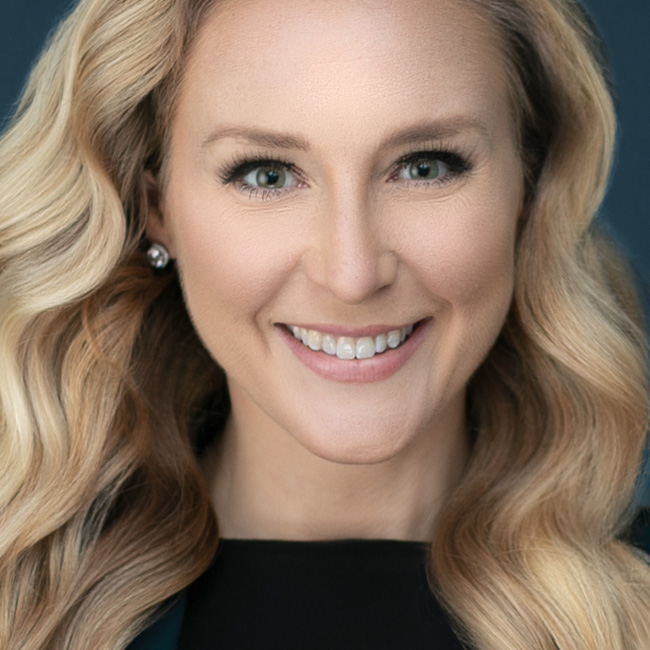
Retouching Portraits in Photoshop is so 2005! Join Kristina Sherk as she takes you through her retouching workflow using only Lightroom. With the new capabilities Adobe has incorporated into Lightroom, you can save loads of time by skipping photoshop and retouching directly in Lightroom. You’ll learn how to remove blemishes, enhance eyes, smooth skin, whiten teeth, and more. Kristina packs the class with power user tips on saving custom Adjustment brush presets, syncing local adjustments across multiple photos, and how to use Lightroom to work smarter, not harder.
Release Date: 2016-11-23
Lessons
Introduction
Join Kristina as she introduces the class and discusses what will be covered in the lessons that follow.
Duration: 1 mins 7 seconds
Housekeeping Tips
Speed up Lightrooom's Response time with these Processor Friendly Tips and Settings.
Duration: 5 mins 58 seconds
Tools Overview
The top tools you need to know when retouching portraits in LR.
Duration: 5 mins 33 seconds
Retouching A Portrait: Blemishes
The first thing you need to do in a retouch job is remove those blemishes.
Duration: 6 mins 39 seconds
Creating and Saving a Localized Adjustment Brush
Creating and saving an Adjustment brush preset is a real time saver.
Duration: 7 mins 24 seconds
Retouching A Portrait: Eyes Section
Kristina completes the process of retouching the eyes in this model.
Duration: 9 mins 50 seconds
Retouching A Portrait: Skin Smoothing
After removing blemishes and retouching the eyes, it is time to address the subject’s skin.
Duration: 6 mins 23 seconds
Retouching A Portrait: Dodge and Burn
Dodging and burning is the process of shaping the light on the subject.
Duration: 7 mins 39 seconds
Retouching A Portrait: Mouth/Teeth
From whitening teeth to fixing lip color, you can do it all in Lightroom.
Duration: 7 mins 50 seconds
Retouching A Portrait: Men
While many of the concepts are the same as with female models, there are some differences when retouching males.
Duration: 5 mins 0 seconds
Syncing Local Adjustments Across Multiple Images
Lightroom’s ability to sync adjustments across photos is a real time saver.
Duration: 4 mins 42 seconds